
What Are ChatGPT Projects?
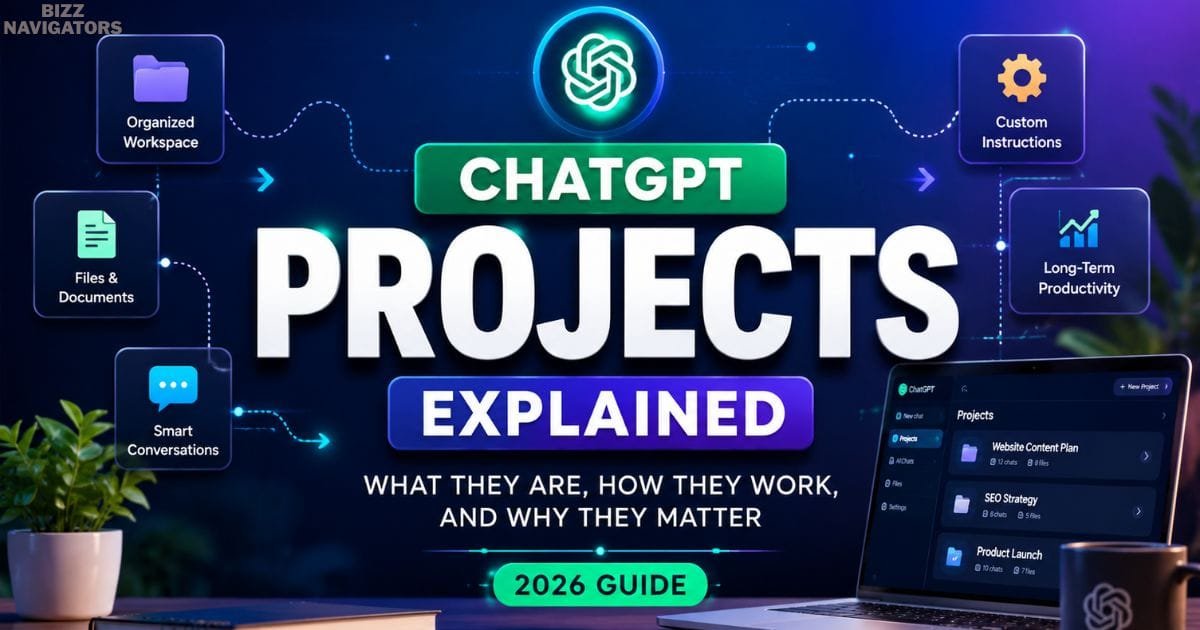
ChatGPT Projects Explained are dedicated workspaces that help you organize related conversations, files, and custom instructions in one place. Instead of managing dozens of separate chats, you can keep everything connected inside a single Project, making long-term work more organized and efficient.
If you use ChatGPT for writing, coding, studying, research, marketing, or business operations, Projects can save time by reducing repetitive prompts and keeping important information together.
Unlike regular conversations that are designed for individual questions, Projects are built for ongoing work that evolves over days, weeks, or even months.
What Is ChatGPT Projects?
ChatGPT Projects is a workspace feature developed by OpenAI that allows users to organize conversations around a single goal.
Rather than opening a new chat every time you need help, you create one Project and keep all related discussions, uploaded files, planning notes, and instructions inside it.
Think of a Project as your AI-powered workspace instead of a single AI conversation.
For example, if you’re launching a new website, your Project might include:
Keyword research
Content briefs
Blog drafts
Brand voice guidelines
SEO strategy
Publishing calendar
Revision notes
Everything remains connected, making it much easier to continue where you left off.
Expert Insight: Projects work best when they focus on one objective. Creating separate Projects for different clients, websites, or products usually produces more consistent results than storing everything in one large workspace.
Why Were ChatGPT Projects Introduced?
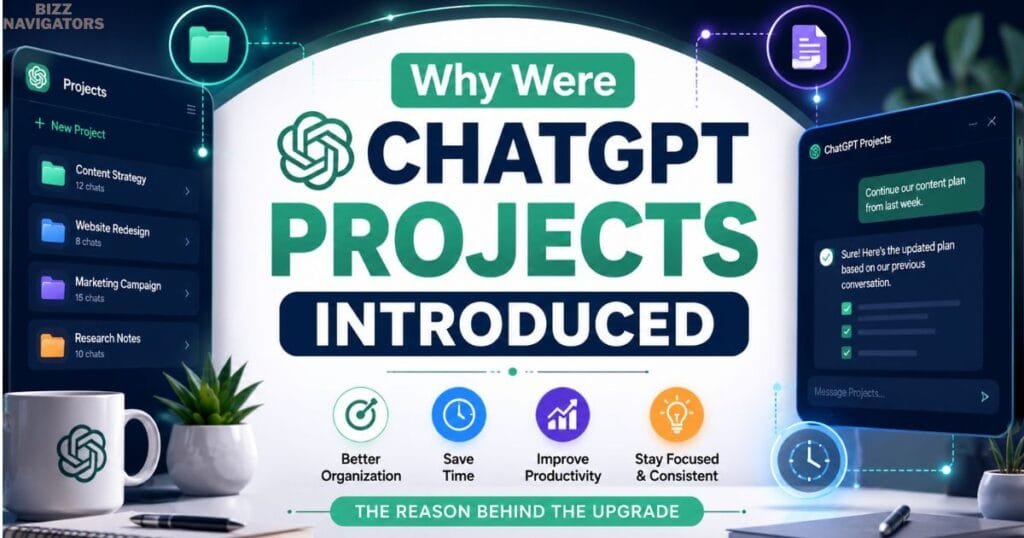
As ChatGPT became a daily productivity tool, many users faced the same problem: information was scattered across countless conversations.
Finding an old prompt, uploaded document, or important answer often meant searching through weeks of chat history.
Projects solve this by creating a structured environment where related work stays together.
Instead of repeating the same instructions in every conversation, you can build on previous work while keeping everything organized.
This approach is particularly valuable for professionals who use ChatGPT every day.
How Do ChatGPT Projects Work?
The workflow is simple and designed for long-term organization.
1. Create a new Project.
2. Give it a descriptive name.
3. Add project-specific instructions if needed.
4. Upload relevant files or reference documents.
5. Start conversations inside the Project.
6. Continue adding new chats as your work grows.
Because every conversation belongs to the same workspace, you spend less time repeating background information and more time completing actual tasks.
Real-World Example
Imagine you’re managing an SEO campaign for a business website.
Instead of creating separate chats for keyword research, content writing, internal linking, and content updates, you keep everything inside one Project.
Weeks later, you can continue the campaign without explaining the project from the beginning again.
Key Features of ChatGPT Projects
Projects include several features that make them more practical than standard conversations for ongoing work.
Organized Workspace
Every related conversation stays inside one dedicated Project.
This makes it easier to revisit previous discussions, continue unfinished work, and keep important information organized.
For users handling multiple responsibilities, this alone can significantly improve productivity.
Shared Project Instructions
Projects allow you to maintain consistent instructions across related conversations.
For example, if you always write in a professional tone or follow a specific workflow, those preferences can remain associated with the Project instead of being rewritten every time.
This helps produce more consistent outputs.
File Management
Projects can also include supporting documents that provide additional context.
Depending on your available features, you may upload research papers, planning documents, spreadsheets, PDFs, or reference materials that support your ongoing work.
Keeping files alongside conversations creates a cleaner workflow than uploading the same document repeatedly.
Better Context Management
One of the biggest advantages of Projects is improved context management.
Because related conversations stay together, it becomes easier to continue previous work without restarting every discussion.
This is particularly useful for research projects, content creation, software development, and long-term business planning.
Expert Insight: Before starting a Project, define its purpose in one sentence. A clear objective helps you decide which conversations and files belong in that workspace and prevents unnecessary clutter as the Project grows.
ChatGPT Projects vs Regular Chats
Many users wonder whether they should create a Project or simply continue using regular chats.
The answer depends on how long your work will continue.
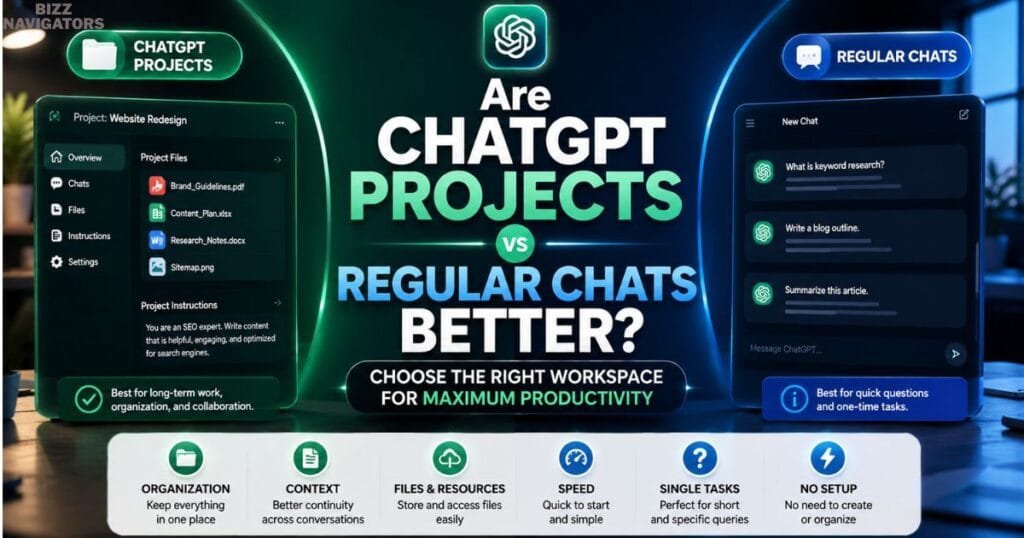
| Feature | ChatGPT Projects | Regular Chats |
| Best for | Long-term workflows | Quick questions |
| Organization | Excellent | Basic |
| Related Conversations | All grouped together | Separate chats |
| Project Instructions | Shared across the workspace | Limited to individual chats |
| File Organization | Centralized | Uploaded separately |
| Productivity | Better for ongoing work | Better for one-off tasks |
Which option should you choose?
If you’re asking a quick question or solving a one-time problem, a regular chat is usually enough.
However, if you’re working on a website, research project, marketing campaign, software application, or any task that continues over time, creating a Project is the more organized and efficient choice.

Who Should Use ChatGPT Projects?
ChatGPT Projects are useful for anyone who manages work that continues over multiple sessions. Instead of treating every conversation as a separate task, Projects let you build an organized workspace that grows with your work.
Content Creators
Bloggers, copywriters, and digital marketers can keep keyword research, content briefs, outlines, drafts, editing notes, and publishing plans inside one Project. This creates a consistent workflow and makes updating older content much easier.
Students and Researchers
Students can create separate Projects for each subject, storing lecture notes, assignments, research papers, and revision materials in one place. Researchers can also organize references, summaries, and ongoing discussions without losing context.
Developers
Developers can use Projects to manage coding discussions, debugging sessions, API documentation, feature planning, and technical notes. Keeping everything together reduces context switching and speeds up development.
Businesses and Teams
Businesses can organize marketing campaigns, product planning, customer support documentation, training materials, and internal processes within dedicated Projects. This makes long-term collaboration more structured.
Expert Insight: If you manage multiple clients or departments, create one Project for each client instead of combining everything into one workspace. This keeps conversations focused and easier to maintain.
Practical Examples of ChatGPT Projects
Understanding real-world scenarios makes it easier to decide when to use Projects.
Website Management
A website owner can create one Project that contains content ideas, SEO research, article drafts, publishing schedules, and update plans. Every future conversation builds on existing work instead of starting from scratch.
Exam Preparation
A university student can dedicate one Project to each course. Notes, practice questions, summaries, and revision plans remain organized throughout the semester, making exam preparation much more efficient.
Product Launch
A startup team can use a Project to manage product ideas, customer feedback, launch checklists, marketing content, and documentation. Instead of searching through multiple chats, every important discussion stays connected.
Best Practices for Using ChatGPT Projects
Following a few simple habits can help you get more value from Projects.
Keep one main objective per Project.
Choose clear and descriptive Project names.
Upload only files that are directly related to the task.
Review Project instructions when your workflow changes.
Archive completed Projects to keep your workspace organized.
These practices reduce clutter and make it easier to continue long-term work.
Common Mistakes to Avoid
Many users create Projects but don’t organize them effectively.
Avoid these common mistakes:
Mixing unrelated tasks inside one Project.
Giving Projects vague names such as “Work” or “Ideas.”
Uploading unnecessary documents.
Ignoring project-specific instructions.
Starting related conversations outside the Project.
Avoiding these issues helps maintain a cleaner and more productive workspace.
Are ChatGPT Projects Better Than Regular Chats?
Neither option is better in every situation.
Use regular chats when:
You have a quick question.
You need a one-time answer.
The conversation won’t continue later.
Use ChatGPT Projects when:
You’re working on long-term tasks.
You need to organize multiple conversations.
Files and instructions should stay together.
The work requires ongoing updates.
Choosing the right workspace from the beginning makes future work much easier.
Privacy and Security Tips
Projects improve organization, but you should still follow good security practices.
Avoid sharing:
Passwords
Banking or payment information
Government identification numbers
Sensitive confidential business information without authorization
Someone else’s private information without permission
If you’re working with confidential company documents, always follow your organization’s data handling policies.
Frequently Asked Questions
Can ChatGPT Make a Project?
Yes. If your ChatGPT account includes the Projects feature, you can create a new Project, give it a name, upload supporting files, add instructions, and organize multiple conversations within the same workspace.
What Are the New Projects in ChatGPT?
Projects are a productivity feature designed to help users manage long-term work more effectively. They combine conversations, files, and project-specific instructions into a single organized workspace, reducing repetitive tasks and improving workflow.
What Are the Types of Projects?
You can create Projects for almost any ongoing task, including:
Content writing
Business planning
Marketing campaigns
Software development
Academic research
Personal productivity
Learning new skills
Documentation and knowledge management
What Are the Five Things You Shouldn’t Tell ChatGPT?
To protect your privacy, avoid sharing:
1. Passwords and login credentials.
2. Banking or payment details.
3. Government-issued identification numbers.
4. Highly confidential business information unless permitted.
5. Other people’s personal or private information without their consent.
Key Takeaways
ChatGPT Projects help organize conversations, files, and instructions within a single workspace.
They are ideal for long-term tasks such as content creation, software development, research, and business planning.
Keeping one objective per Project improves organization and productivity.
Regular chats are better for quick questions, while Projects are better for ongoing work.
Following good privacy and organization practices helps you get the most from the feature.
Conclusion
ChatGPT Projects make it easier to manage long-term work by bringing conversations, files, and instructions together into a single organized workspace. Instead of repeating context or searching through old chats, you can continue building on previous work with greater efficiency.
Whether you’re creating content, developing software, studying, or managing business operations, Projects provide a structured approach that supports productivity and organization. By using clear Project structures, following best practices, and keeping sensitive information secure, you can make ChatGPT a more effective tool for both personal and professional workflows.

At BizzNavigators, we answer the questions you’re actually searching for, honestly and clearly. We check our facts before we publish anything, and if we’re not sure about something, we tell you instead of guessing. Whatever you’re looking for- a tech fix, a business tip, or a simple how-to- we want to give you an answer you can trust.
1 thought on “ChatGPT Projects Explained: How They Work and Why They Matter”