ChatGPT vs Google Gemini for Work: Which AI Is Better
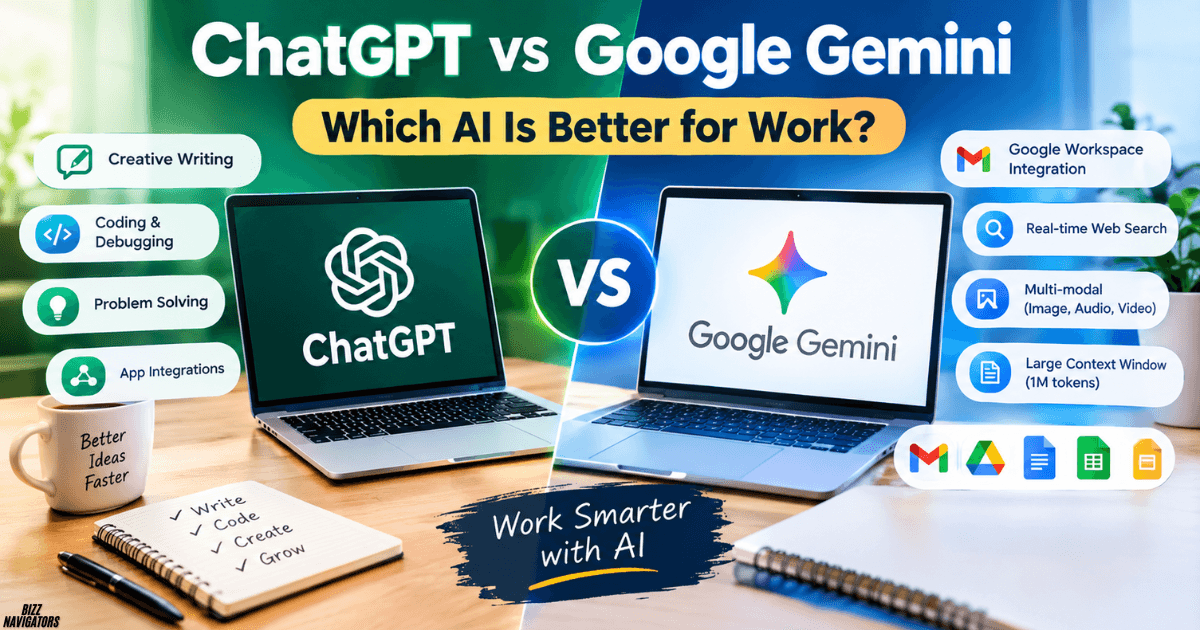
ChatGPT vs Google Gemini for Work

If you use AI to handle daily work, choose Google Gemini if your business relies on Gmail, Google Docs, Google Sheets, and Google Drive. Choose ChatGPT if you need flexible writing, coding help, detailed problem-solving, and a broad range of work tasks. The better option depends on your workflow, budget, and the tools you already … Read more
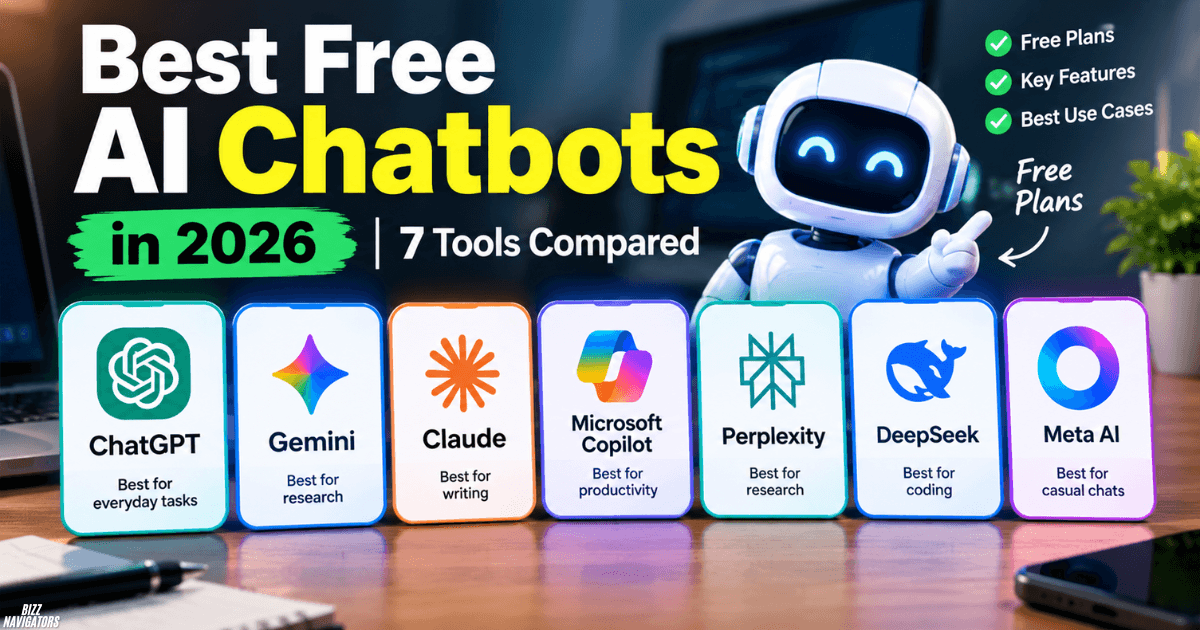

Best Free AI Chatbots in 2026: 7 Tools Compared

Best Free AI Chatbots in 2026

The best free AI chatbots in 2026 include ChatGPT, Google Gemini, Claude, Microsoft Copilot, Perplexity, DeepSeek, and Meta AI. Each offers a different advantage, from writing and research to coding and everyday questions. The right choice depends on your needs, available features, and free usage limits. You do not need a paid subscription to start … Read more

Top Free AI Writing Tools in 2026: Find the Best One for You

Top Free AI Writing Tools in 2026

The top free AI writing tools in 2026 include ChatGPT, Claude, Google Gemini, Grammarly, QuillBot, and Perplexity. Each tool serves a different purpose, from drafting articles and writing stories to checking grammar and researching facts. Your best choice depends on the type of content you create, the writing quality you need, and each free plan’s … Read more

Can ChatGPT Search the Web for Current Information?

Can ChatGPT Search the Web for Current Information

Can ChatGPT Search the Web for Current Information? Yes, ChatGPT can search the web for current information. It can look up recent facts, news, product updates, prices, events, and other information that may have changed since its training data was created. ChatGPT can also show citations or links to the web sources used for an … Read more

How to Make ChatGPT Give Daily Updates To You Automatically

How to Make ChatGPT Give Daily Updates

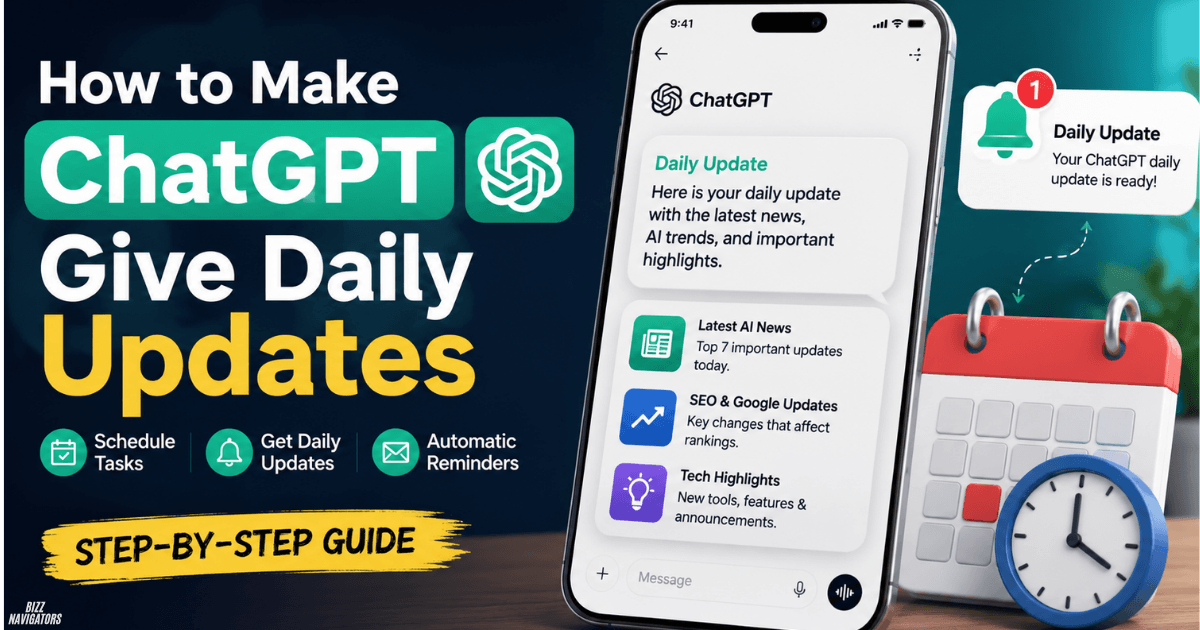
How to Make ChatGPT Give Daily Updates You can make ChatGPT give daily updates by creating a Scheduled Task with a recurring prompt. Tell ChatGPT what information you want, how often you want it, and what the final update should look like. ChatGPT can then run the task on schedule and notify you when the … Read more

How to Edit ChatGPT Tasks: Easy Fixes That Work

How to Edit ChatGPT Tasks

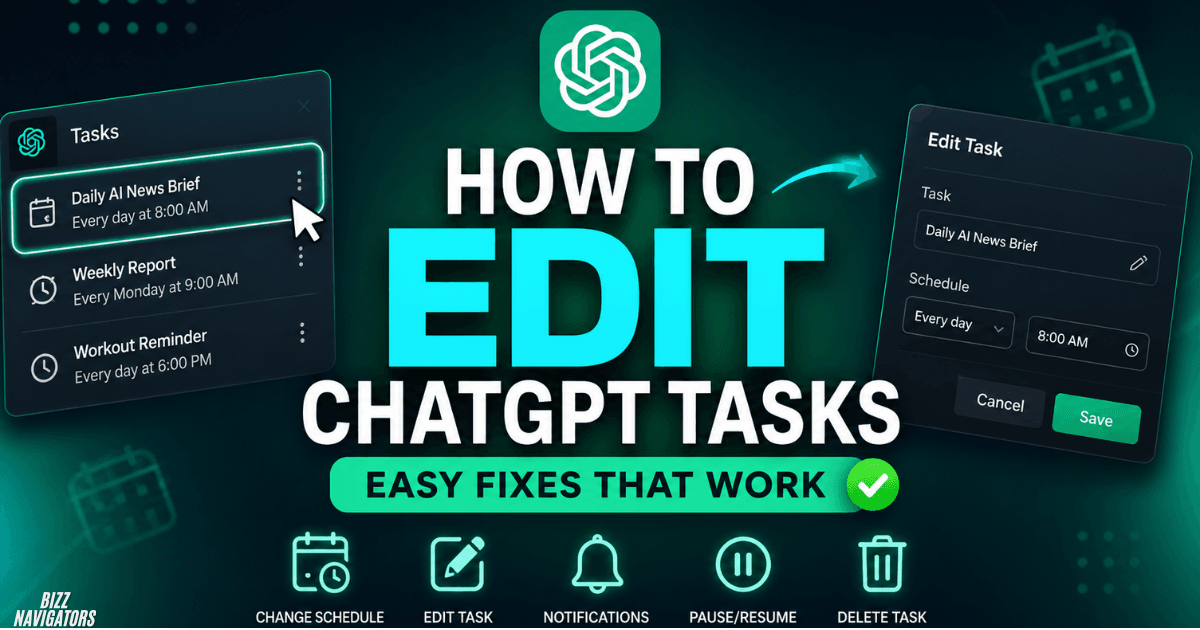
How to Edit ChatGPT Tasks? You can edit a ChatGPT task by opening the task from the chat or Scheduled page, selecting the task, and choosing Edit. ChatGPT lets you change the task instructions, schedule, and related settings without creating the task again. You can also pause, resume, or delete tasks from the task-management interface. … Read more

Why Is ChatGPT Tasks Not Working? 9 Quick Fixes

Why Is ChatGPT Tasks Not Working

Why Is ChatGPT Tasks Not Working? ChatGPT Tasks may stop working because the task is paused, notifications are blocked, you have reached your active-task limit, the associated chat was deleted, or the task uses an unsupported feature such as voice chat or GPTs. Checking the Scheduled page first usually reveals whether the task is active, … Read more

Can ChatGPT Tasks Run Automatically? Key Facts Revealed

Can ChatGPT Tasks Run Automatically

Can ChatGPT Tasks run automatically? Yes, at a scheduled time, without you having to open ChatGPT and start the task manually. You can create one-time or recurring tasks, such as reminders, daily briefings, recurring research, and monitoring requests. ChatGPT can then execute the task according to its schedule and notify you when the result is … Read more

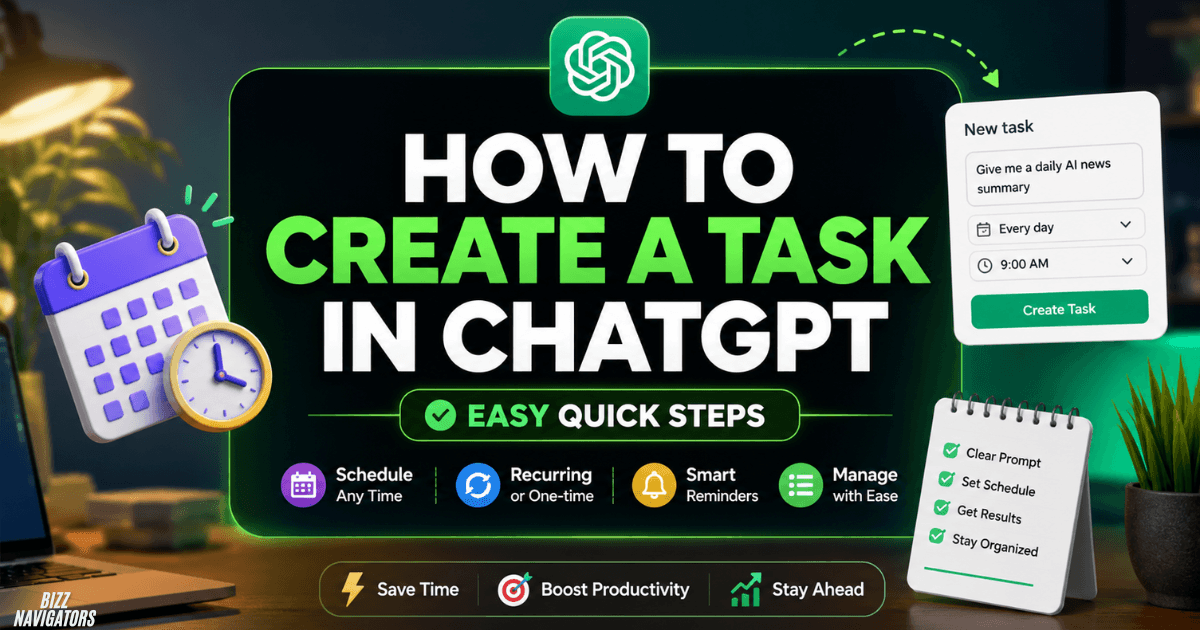
How to Create a Task in ChatGPT: Easy Quick Steps

How to Create a Task in ChatGPT

How to create a task in ChatGPT? How to create a task in ChatGPT, open ChatGPT and ask it to perform something at a specific time or on a recurring schedule. You can also use the Scheduled section to create and manage tasks. A clear task should include the action, timing, frequency, and preferred output … Read more

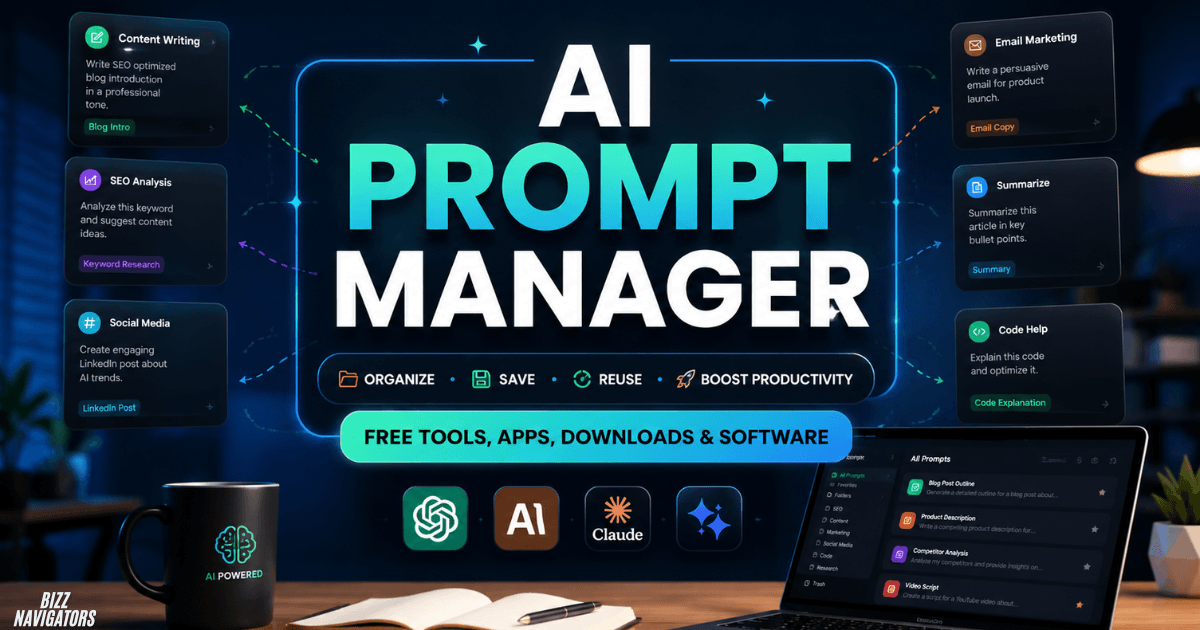
AI Prompt Manager: Free Tools & Powerful Features

AI Prompt Manager

What Is an AI Prompt Manager? An AI prompt manager can turn a messy collection of ChatGPT, Claude, or Gemini prompts into an organized, searchable library you can reuse in seconds. Instead of losing useful prompts in chats, notes, or documents, you can save templates, add variables, edit them, and quickly copy the right prompt … Read more