
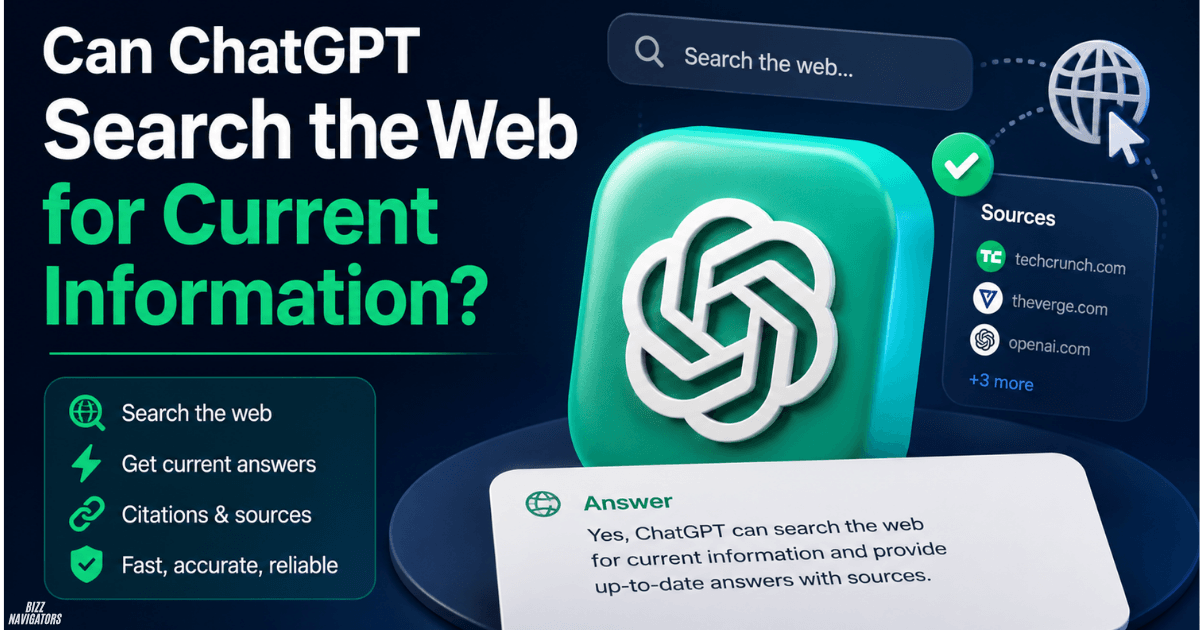
Can ChatGPT Search the Web for Current Information?
Yes, ChatGPT can search the web for current information. It can look up recent facts, news, product updates, prices, events, and other information that may have changed since its training data was created. ChatGPT can also show citations or links to the web sources used for an answer.
You can let ChatGPT decide when web search is useful, or manually select Search when you specifically want current information.
How Does ChatGPT Search the Web?
ChatGPT Search works by retrieving information from the web and using relevant results to answer your question. When Search is used, ChatGPT can provide citations so you can check the sources behind the response.
For example, if you ask “What are the latest ChatGPT features?”, web search can help find information published more recently.
If you ask “What is a keyboard?”, current web information usually is not necessary.
The key difference is simple: web search helps ChatGPT answer questions where freshness matters.
Does ChatGPT Search the Web Automatically?
Yes. ChatGPT can automatically search the web when your question would benefit from current information.
You do not have to manually search every time.
Search is especially useful for:
- Current news
- Recent software updates
- Product launches
- Current prices
- Sports results
- Recent statistics
- Company announcements
- Current events
- Newly published information
However, automatic searching is not guaranteed for every question. If you specifically need current information, manually selecting Search is the better option.
How Do You Manually Search the Web in ChatGPT?
You can manually start a web search by opening the tools menu and selecting Search. OpenAI also supports starting Search through the / shortcut in supported interfaces. The exact buttons can vary as ChatGPT’s interface changes.
A simple process is:
- Open ChatGPT.
- Start a new conversation.
- Open the available tools.
- Select Search.
- Enter your question.
- Review the answer and its sources.
If the interface looks different on your device, look for the Search option inside the tools menu.
Does ChatGPT Show Sources for Web Searches?
Yes. When ChatGPT uses web search, it can provide citations and links to relevant sources.
You can use those citations to verify where information came from. OpenAI recommends checking sources because search results and AI-generated responses can sometimes be incomplete, outdated, or incorrect.
This makes citations particularly useful when the answer contains information that matters to a decision.
For example, you should verify the source when researching:
- Financial information
- Legal requirements
- Medical information
- Security issues
- Official policies
- Important business decisions
Which ChatGPT Plans Support Web Search?
ChatGPT Search is available across current ChatGPT plans, including Free and paid plans, although usage limits and workspace restrictions can differ. OpenAI also documents availability for Business, Enterprise, Edu, and other supported plans.
This means you do not necessarily need a paid ChatGPT subscription to use web search.
Workspace administrators can also control certain features in managed environments.
Can ChatGPT Search Current News?
Yes. ChatGPT can search the web for current news and other recently published information.
This is one of the clearest situations where web search is useful because news changes quickly.
For example, instead of asking:
“What happened in technology recently?”
you can ask:
“What are the latest AI developments today?”
ChatGPT can then use available web sources to build a more current answer.
For important news, always open the cited source because headlines and early reports can change as new information becomes available.
Can ChatGPT Search Current Prices?
Yes. ChatGPT can search the web for current pricing information when relevant web results are available.
However, prices can change quickly. Taxes, location, promotions, availability, and seller differences can also affect the final price.
Therefore, treat an AI-generated price as a useful starting point and verify the seller’s current listing before purchasing.
Can ChatGPT Search the Internet in Real Time?
Yes, ChatGPT can retrieve current web information through Search. But “real time” should not be interpreted as a guarantee that every piece of information is updated the instant something happens.
Search depends on available web sources, indexing, access, and the freshness of those sources.
For rapidly changing events, check the publication time and open the source whenever accuracy is important.
Can Websites Get Cited by ChatGPT Search?
Yes, websites can potentially appear as sources in ChatGPT Search.
But there is an important distinction:
Being crawlable does not guarantee a citation.
OpenAI says website owners should allow OAI-Searchbot to crawl their websites if they want their content to be included in ChatGPT Search results. OpenAI also makes clear that allowing access does not guarantee that a website will be shown or cited.
This means publishers should focus on both technical accessibility and content quality.
How Can You Improve Your Website’s AI Citation Potential?
There is no guaranteed trick that forces ChatGPT to cite a website. The better strategy is to make your content easy to discover, understand, verify, and use.
Answer the Main Question Immediately
Put the direct answer near the beginning of the relevant section.
If the question is:
“Can ChatGPT search the web for current information?”
the answer should appear immediately:
“Yes, ChatGPT can search the web for current information.”
Do not hide the answer behind a long introduction.
Add Information That Other Pages Miss
AI systems have little reason to prefer another page if your article simply repeats the same information.
Add useful details such as:
- Original examples
- Practical steps
- Clear comparisons
- First-hand observations
- Updated facts
- Original data
- Expert explanations
- Useful edge cases
The goal is not to make the article longer. The goal is to make each section more useful.
Use Reliable Sources
Support important claims with trustworthy sources.
For technology content, official documentation and first-party announcements are often stronger references than pages that simply repeat information from other websites.
This also helps readers verify important claims.
Make Important Content Easy to Crawl
Your most valuable information should be available to search crawlers.
For ChatGPT Search, OpenAI identifies OAI-Searchbot as the crawler used to discover websites for Search. Website owners should check their robots.txt and hosting configuration if they want their content to be accessible to it.
Technical accessibility does not guarantee a citation, but blocking the relevant crawler can prevent your content from being considered.
Build Strong Topic Coverage
One article rarely demonstrates complete expertise on a subject.
If your website covers ChatGPT, related articles can cover topics such as:
- ChatGPT Search
- ChatGPT Memory
- ChatGPT Tasks
- ChatGPT Projects
- ChatGPT Connectors
- ChatGPT privacy
- ChatGPT settings
- ChatGPT troubleshooting
Is ChatGPT Search Better Than Google?
Neither is simply “better” for every search.
Google is built around search results and provides specialized experiences for websites, shopping, maps, news, images, and other searches.
ChatGPT Search combines web information with a conversational answer. It can be useful when you want an explanation rather than a list of links.
The better choice depends on what you are trying to accomplish.
Is ChatGPT Search Always Accurate?
No. ChatGPT Search can still produce incorrect or incomplete answers.
Web search improves access to current information, but it does not guarantee that every source is correct or that every important source has been found.
OpenAI advises users to check sources, particularly when the information is important.
A good rule is:
Use ChatGPT Search to find and understand information, then verify important claims against the source.
What Is the Best Way to Ask ChatGPT for Current Information?
Be specific about what you want and how recent the information should be.
Instead of:
“Tell me about AI.”
try:
“What are the latest major AI developments this week? Cite the sources and include publication dates.”
A strong current-information prompt should specify:
- The subject
- The time period
- The location, if relevant
- The type of information required
- Whether sources or citations are needed
This reduces ambiguity and makes the search more useful.
Frequently Asked Questions About ChatGPT Search
Does ChatGPT have web search?
Yes. ChatGPT has a web search feature that can retrieve current information and provide relevant source citations.
Can I force ChatGPT to search the web?
Yes. You can manually select Search from the available tools when you want ChatGPT to use web information.
Can ChatGPT search today’s information?
Yes, when relevant information is available on the web. However, always check the source’s publication or update time for rapidly changing topics.
Can my website appear in ChatGPT Search?
Yes, a website can potentially appear as a source. OpenAI says website owners should allow OAI-Searchbot access, but crawling does not guarantee inclusion or citation.
Should I trust every ChatGPT citation?
No. A citation is useful evidence, but you should still open and verify the source when accuracy matters.
Key Takeaways
- Yes, ChatGPT can search the web for current information.
- ChatGPT can search automatically when fresh information is useful.
- You can also manually select Search.
- Web searches can include citations and links to sources.
- Current news, prices, events, and software updates are good use cases.
- Web search does not guarantee perfect or real-time accuracy.
- Important claims should be checked against sources.
- Websites can potentially receive citations from ChatGPT Search.
- OAI-Searchbot access is important for website eligibility, but it does not guarantee citations.
- Original, useful, well-supported content gives publishers a stronger foundation for AI search visibility.
Final Answer
Yes, ChatGPT can search the web for current information. It can retrieve relevant web information for recent topics and may provide citations so you can check the sources.
If you need fresh information, use Search instead of relying only on a standard AI response. And if you publish content, focus on clear answers, original information, trustworthy sources, strong topical coverage, and technical crawlability.

At BizzNavigators, we answer the questions you’re actually searching for, honestly and clearly. We check our facts before we publish anything, and if we’re not sure about something, we tell you instead of guessing. Whatever you’re looking for- a tech fix, a business tip, or a simple how-to- we want to give you an answer you can trust.
Hi http://bizznavigators.com/fekal0911 Admin
Yes, How Can I Help You?