
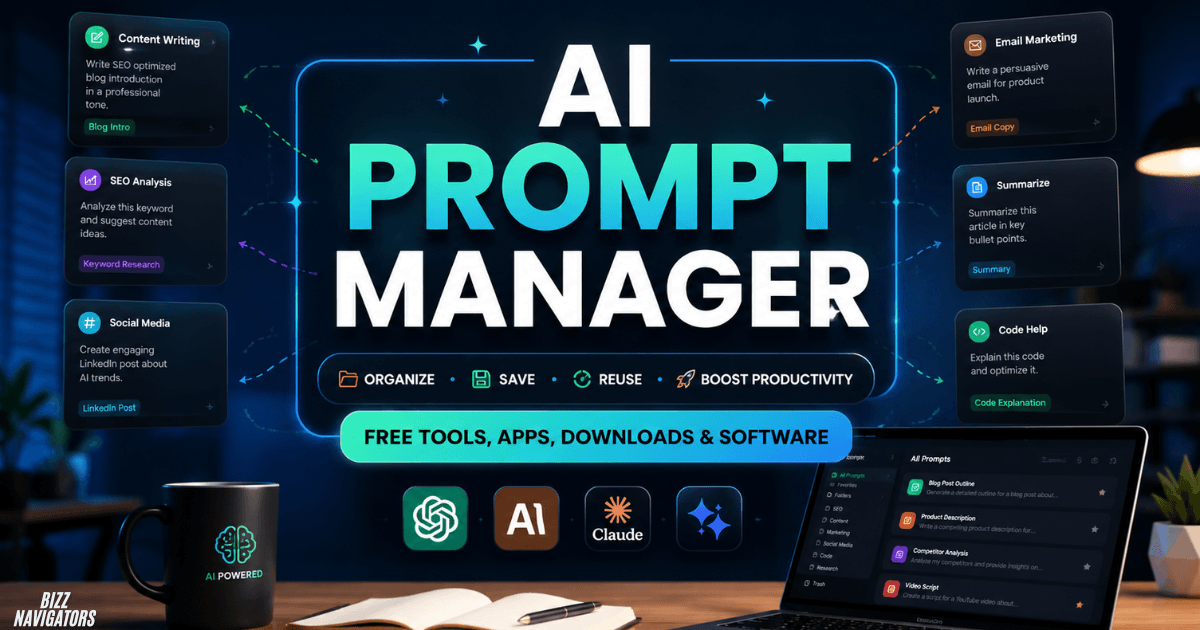
What Is an AI Prompt Manager?
An AI prompt manager can turn a messy collection of ChatGPT, Claude, or Gemini prompts into an organized, searchable library you can reuse in seconds. Instead of losing useful prompts in chats, notes, or documents, you can save templates, add variables, edit them, and quickly copy the right prompt when needed.
The best AI prompt manager options can also improve consistency across SEO, content writing, marketing, research, coding, and business workflows. In this guide, you’ll discover free tools, software, Android apps, download options, and practical ways to choose the right prompt manager for your needs.
Why Do You Need a Prompt Manager?
Saving prompts manually sounds simple until your collection grows. A prompt that worked perfectly last month can easily disappear inside a long ChatGPT conversation or an unorganized document.
A prompt manager solves that problem by giving your prompts structure. Depending on the software, you may get folders, tags, search, favorites, variables, version history, sharing, and browser extensions.
For example, instead of storing separate prompts for every SEO client, you could create one template containing variables such as {{keyword}}, {{audience}}, and {{tone}}. You then fill in those fields whenever you use the prompt.
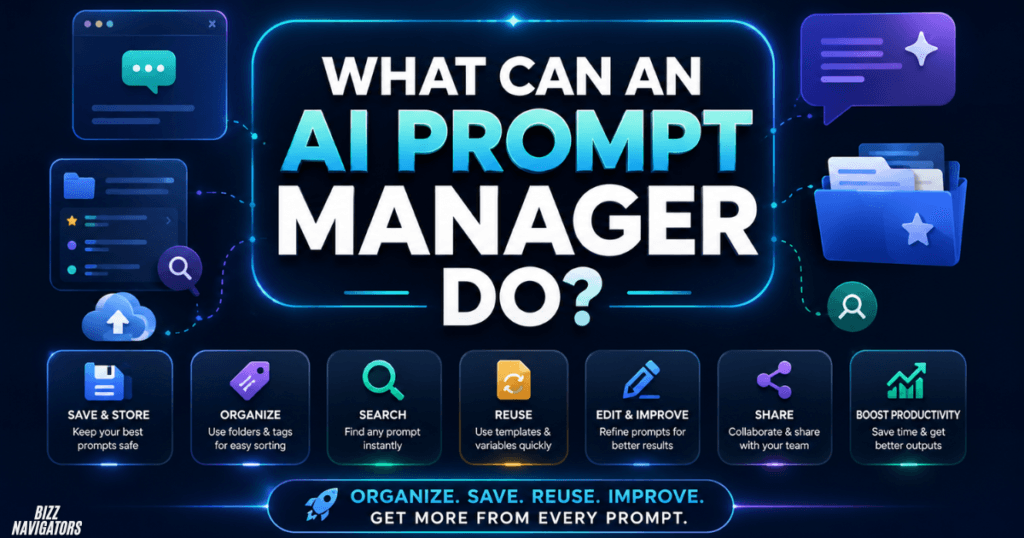
What Can an AI Prompt Manager Do?
The exact features differ between tools, but the best prompt management software focuses on four basic jobs: store, organize, retrieve, and reuse.
A useful system should make it faster to find a prompt than it would be to recreate one from scratch.
| Feature | What It Does | Why It Matters |
| Prompt storage | Saves reusable instructions | Prevents lost prompts |
| Search | Finds prompts by keywords | Saves time |
| Folders and tags | Groups related prompts | Keeps large libraries organized |
| Variables | Adds replaceable fields | Makes templates reusable |
| Favorites | Highlights important prompts | Provides quick access |
| Version history | Keeps previous versions | Helps compare improvements |
| One-click copy | Copies prompts quickly | Speeds up AI workflows |
| Sharing | Lets teams use prompts | Improves consistency |
| Browser extension | Brings prompts into AI websites | Reduces tab switching |
Not every AI prompt manager provides all of these features, so users should check the actual capabilities before choosing one.
Best AI Prompt Manager Options
There is no single prompt manager that is ideal for everyone. Some tools concentrate on prompt libraries, while others are designed around collaboration, browser integration, mobile use, or prompt generation.
AIPRM for Prompt Libraries and Teams
AIPRM is one established option for people who want a large prompt library alongside custom prompt management. Its current platform supports ChatGPT and Claude, offers thousands of public prompts, and provides private prompt organization for individual users and teams.
AIPRM also provides free starting options and browser extensions, making it useful for users who primarily work with AI from a desktop browser.
PromptDrive for Collaboration
PromptDrive focuses heavily on organizing, sharing, and collaborating around prompts. It supports ChatGPT, Claude, and Gemini workflows and provides folders, tags, permissions, search, variables, and sharing features.
Its free personal tier is aimed at prompt organization, while higher plans add collaboration and AI-related capabilities.
PromptFolder for Browser-Based Prompt Management
PromptFolder provides a prompt library with an editor, copying tools, reusable fields, and a Chrome extension designed to work directly inside ChatGPT.
This type of solution can be convenient for people who spend most of their working day inside browser-based AI applications.
PromptStick for Saving and Generating Prompts
PromptStick combines prompt management with AI-assisted prompt generation. Its current offering is designed around saving and finding prompts across ChatGPT, Claude, and Gemini, with a free starting tier.
This approach is useful when you want your prompt manager to do more than simply act as a digital storage box.
Is There a Free AI Prompt Manager?
Yes. Several prompt management solutions offer free access, although the amount of storage, collaboration, AI generation, or advanced functionality can vary.
For example, PromptDrive currently lists a free personal plan with unlimited prompts, public sharing links, and a Chrome extension. (PromptDrive.ai)
AIPRM also offers free access to its prompt ecosystem, although some advanced functionality is available through paid plans.
There are also completely different approaches. You can use a browser-based prompt manager, a local application, or even create your own prompt library using a simple notes system.
The important distinction is that free does not always mean unlimited. Always check the current plan before building a large business workflow around a particular service.
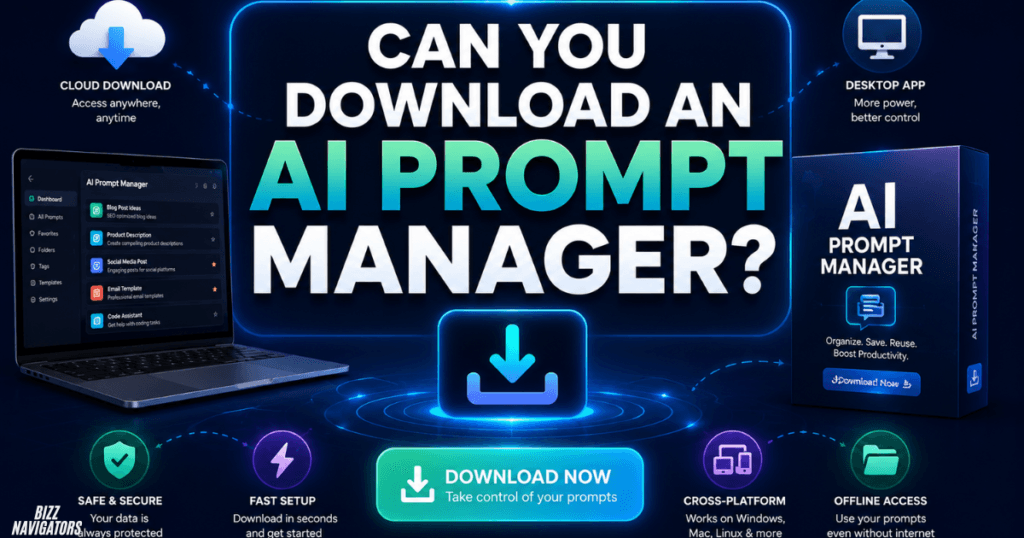
Can You Download an AI Prompt Manager?
Yes, but the answer depends on what you mean by “download.”
Some prompt managers work as websites, while others are delivered through browser extensions or mobile applications. For example, AIPRM currently provides Chrome and Edge options for its ChatGPT experience.
A browser extension can be more practical than a traditional Windows download because it can place your prompt library closer to the AI tools you already use.
If privacy is important, a locally stored solution can also be attractive because your prompt collection does not necessarily need to live on a third-party server.
Is There an AI Prompt Manager for Android?
Yes. Android users can use dedicated prompt-management applications instead of relying exclusively on desktop software.
One current example is PromptCrate: AI Prompt Manager, which is available through Google Play. It is designed to save, organize, and reuse prompts for ChatGPT, Claude, Gemini, and other AI assistants. It supports categories, favorites, reusable variables, one-tap copying, and offline storage. (Cosmovex)
This makes an Android prompt manager particularly useful for people who frequently write prompts from their phone.
What Should You Look for in an Android Prompt Manager?
Before installing an app, check whether it offers:
Local or cloud storage
Search and categories
Prompt templates
Variable fields
One-tap copying
Backup or export options
Privacy information
Recent updates and support
Avoid downloading random APK files from unknown websites simply because they promise a “free AI prompt manager.” The safer approach is to use an official app store or the developer’s verified website.
AI Prompt Manager vs. Chatbot
An AI prompt manager and an AI chatbot perform different jobs.
A chatbot generates responses to your instructions. ChatGPT, Claude, and Gemini are examples of conversational AI systems.
A prompt manager helps you manage the instructions themselves.
Think of it this way:
Chatbot = uses the prompt.
Prompt manager = stores and organizes the prompt.
Some modern products combine both functions. PromptDrive, for example, allows users to organize prompts while also working with AI models through its platform.
That combination can be useful for teams that want to create, test, store, and reuse prompts without constantly moving between different applications.
Can You Build Your Own AI Prompt Manager?
Yes, and for some users this may actually be the best solution.
If your requirements are simple, you do not necessarily need specialized software. A structured database, spreadsheet, note-taking application, or small custom web application can become a basic prompt manager.
A more advanced custom system could include:
Prompt title and description
Prompt category
AI model compatibility
Variables and placeholders
Prompt version
Expected output format
Example output
Performance notes
Search and filtering
Team permissions
For businesses, this can evolve into an internal prompt management system where employees use approved prompts instead of creating inconsistent instructions from scratch.
The main challenge is maintenance. A custom system is only valuable if someone regularly tests prompts, updates outdated instructions, removes duplicates, and documents which versions work best.
How to Organize an AI Prompt Library
Do not simply save hundreds of prompts under random names. A structured library becomes much more useful.
Start with broad categories such as:
SEO
Content writing
Marketing
Business
Research
Coding
Customer support
Social media
Image generation
Productivity
Then give each prompt a descriptive name.
Instead of “Blog Prompt 2,” use something like “SEO Article — Answer-First Draft.”
Add variables wherever information changes. For example:
Write a {{content_type}} about {{topic}} for {{audience}} in a {{tone}} tone.
This turns one static prompt into a reusable template.
It is also smart to record which AI model produced the best result. A prompt optimized for one model may not behave the same way with another.
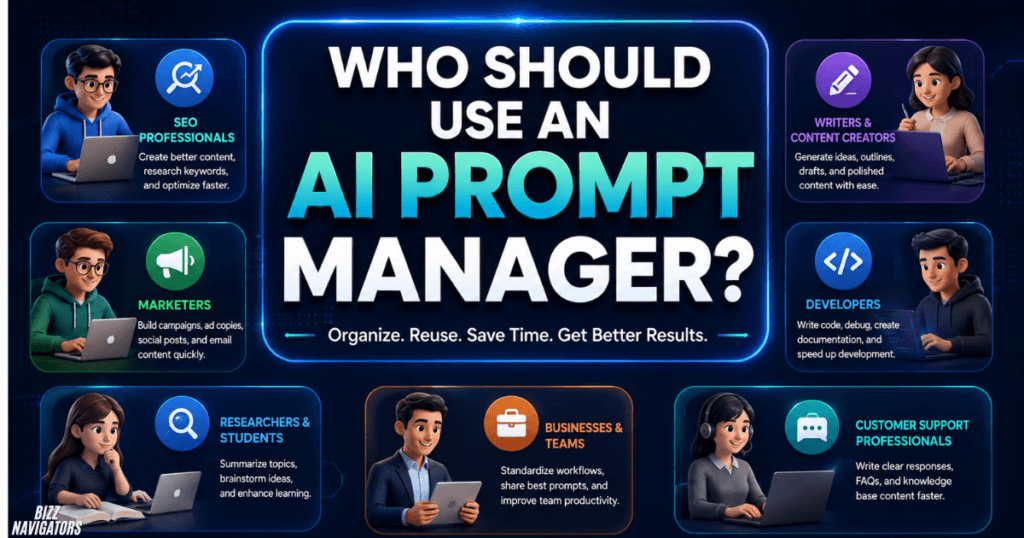
Who Should Use an AI Prompt Manager?
An AI prompt manager is most valuable for people who use AI repeatedly rather than occasionally.
SEO professionals can store keyword research, content briefs, audits, and optimization prompts.
Writers and marketers can maintain templates for articles, social posts, campaigns, and brand messaging.
Developers can organize debugging, documentation, code review, and development prompts.
Businesses and teams can create standardized prompts for recurring workflows and share approved templates.
Students and researchers can keep research, summarization, brainstorming, and study prompts organized.
If you only use AI once or twice a week, a normal notes application may be enough. But when you have dozens or hundreds of prompts, dedicated management software becomes much more useful.
How to Choose the Right AI Prompt Manager
Focus on your workflow rather than choosing a tool simply because it has the largest prompt library.
For personal use, prioritize search, folders, templates, quick copying, and simplicity.
For SEO and content work, look for variables, categories, reusable templates, browser access, and easy editing.
For teams, prioritize sharing, permissions, collaboration, version control, and centralized management.
For Android users, check whether the application has a legitimate Google Play listing and whether prompts can be backed up or exported.
For privacy-sensitive work, investigate where prompts are stored, whether they are sent to external servers, and what information the provider collects.
Final Answer: Is an AI Prompt Manager Worth Using?
Yes, especially if you repeatedly use AI for professional or business tasks. An AI prompt manager turns scattered instructions into a searchable, reusable system and can save considerable time when your prompt library grows.
Free options are available, while dedicated Android apps, browser extensions, collaborative platforms, and AI-powered prompt tools cover different workflows.
The best approach is simple: store the prompts that consistently produce useful results, organize them with clear categories, add variables for repetitive work, and periodically remove or improve outdated prompts. That gives you a practical prompt system instead of just another folder full of forgotten text.
FAQs
What is the best free AI prompt manager?
The best option depends on your workflow. PromptDrive offers a free personal prompt-organization tier, while AIPRM provides free access to a large prompt ecosystem.
Is there an AI prompt manager for Android?
Yes. PromptCrate is a current Android option that lets users save, organize, template, and reuse prompts across AI assistants. (Google Play)
Can I download an AI prompt manager?
Yes. Some solutions are available as browser extensions or mobile apps, while others operate primarily as web applications. Always download software from an official source.
Is a prompt manager the same as ChatGPT?
No. ChatGPT is an AI chatbot, while a prompt manager is primarily designed to store, organize, retrieve, and reuse prompts. Some products combine both capabilities.
Can I create my own prompt manager?
Yes. A simple library can be built with a spreadsheet or notes system, while businesses can develop a custom application with search, variables, versioning, permissions, and model-specific templates.

At BizzNavigators, we answer the questions you’re actually searching for, honestly and clearly. We check our facts before we publish anything, and if we’re not sure about something, we tell you instead of guessing. Whatever you’re looking for- a tech fix, a business tip, or a simple how-to- we want to give you an answer you can trust.