
What Does “Ecobee Calibrating Heat Cool Disabled” Mean?
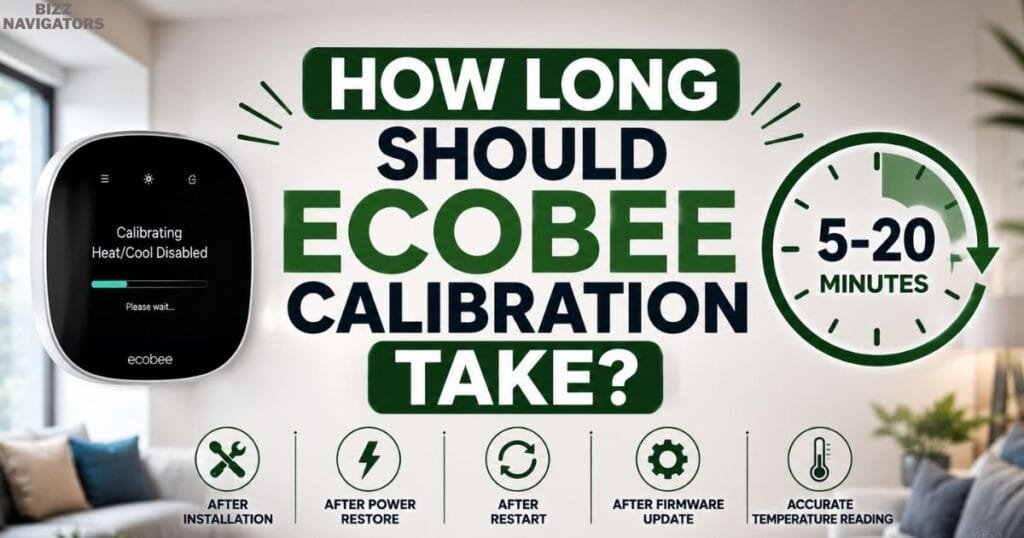
If your thermostat displays Ecobee calibrating heat cool disabled, don’t worry it usually means the thermostat is temporarily calibrating its temperature sensors before restarting your heating or cooling system. In most cases, this process finishes within 5–20 minutes after installation, a power outage, a restart, or a firmware update.
If Ecobee says calibrating heat cool disabled for longer than expected or the message keeps returning, it may indicate a power supply issue, faulty wiring, sensor malfunction, HVAC communication problem, or software glitch. In this article, you’ll learn what this message means, how long it should last, the most common causes, and the fastest fixes to get your Ecobee working normally again.
Why Your Ecobee Is Showing the Calibrating Heat/Cool Disabled Message
Understanding the reason behind the calibration message helps you determine whether you simply need to wait or begin troubleshooting.
Initial Installation
When you install a new Ecobee thermostat, it doesn’t immediately know the room’s actual temperature. The thermostat first calibrates its internal sensors to establish an accurate baseline before allowing the HVAC system to operate.
This initial calibration helps improve temperature accuracy and prevents unnecessary heating or cooling cycles.
Restart After a Reboot
Whenever the thermostat restarts, whether manually or automatically, it performs another quick calibration.
A reboot may happen because of:
Software updates
Power interruptions
Manual restart
Temporary system errors
The thermostat temporarily disables heating and cooling until calibration finishes.
Recovery After a Power Outage
Power outages are one of the most common reasons users notice the Ecobee calibrating heat/cool disabled message.
Once electricity returns, the thermostat reconnects with the HVAC system and recalibrates its sensors before sending new heating or cooling commands.
Short outages rarely cause problems, but repeated voltage fluctuations may interrupt the process.
Firmware Updates
Ecobee regularly releases firmware updates to improve stability, fix bugs, and enhance performance.
After installing an update, the thermostat may restart and recalibrate automatically. This behavior is expected and usually resolves without user intervention.
Internal Temperature Sensor Adjustment
The thermostat constantly monitors indoor conditions using built-in temperature sensors.
If environmental conditions change rapidly, such as after opening windows, using fireplaces, or moving furniture around the thermostat, the device may briefly recalibrate to maintain accurate readings.
Communication With Your HVAC System
Before activating heating or cooling, Ecobee verifies that it can communicate correctly with your HVAC equipment.
If the thermostat detects inconsistent signals or delayed responses from the furnace or air conditioner, it may remain in calibration mode until stable communication is restored.
Is Ecobee Calibration Normal?
Yes. In most situations, calibration is a normal part of the thermostat’s operation.
You generally do not need to worry if:
The message disappears within 20 minutes.
The thermostat responds normally afterward.
Indoor temperature updates correctly.
Heating and cooling resume automatically.
Many homeowners mistake calibration for a malfunction when it is actually a built-in protection feature designed to improve temperature accuracy.
When Calibration Becomes a Problem
Although calibration is expected, it should not continue indefinitely.
The issue may require troubleshooting if:
Calibration lasts longer than 20–30 minutes.
The thermostat repeatedly restarts.
Heating or cooling never resumes.
The indoor temperature remains inaccurate.
The same message appears multiple times every day.
Your HVAC system never turns on.
Persistent calibration often indicates an underlying hardware, wiring, or software issue rather than normal operation.
Common Reasons Ecobee Gets Stuck During Calibration
If calibrating heat/cool is disabled Ecobee remains on the screen for an extended period; one or more underlying issues may be preventing the thermostat from completing its startup sequence.
Unstable Power Supply
Ecobee requires a steady power source to complete calibration.
Loose wiring, an interrupted C-wire, tripped breakers, blown furnace fuses, or inconsistent voltage can repeatedly restart the thermostat before calibration finishes.
HVAC Wiring Problems
Incorrect thermostat wiring is another common cause.
Loose terminals, damaged wires, or incorrect installation may interrupt communication between the thermostat and the HVAC control board, leaving the device stuck in calibration mode.
Internal Sensor Errors
The thermostat depends on accurate temperature readings.
If one of its sensors provides inconsistent data or fails to respond correctly, Ecobee may continue recalibrating instead of completing the startup process.
Software Glitches
Although uncommon, software bugs can occasionally interfere with calibration.
An incomplete firmware update or temporary system freeze may prevent the thermostat from progressing beyond the calibration screen until it is restarted or updated again.
HVAC Equipment Not Responding
Sometimes the thermostat itself is functioning correctly, but the furnace or air conditioner is not responding.
Problems with the control board, transformer, safety switches, or HVAC components can interrupt communication and keep the thermostat waiting for confirmation before enabling heating or cooling.
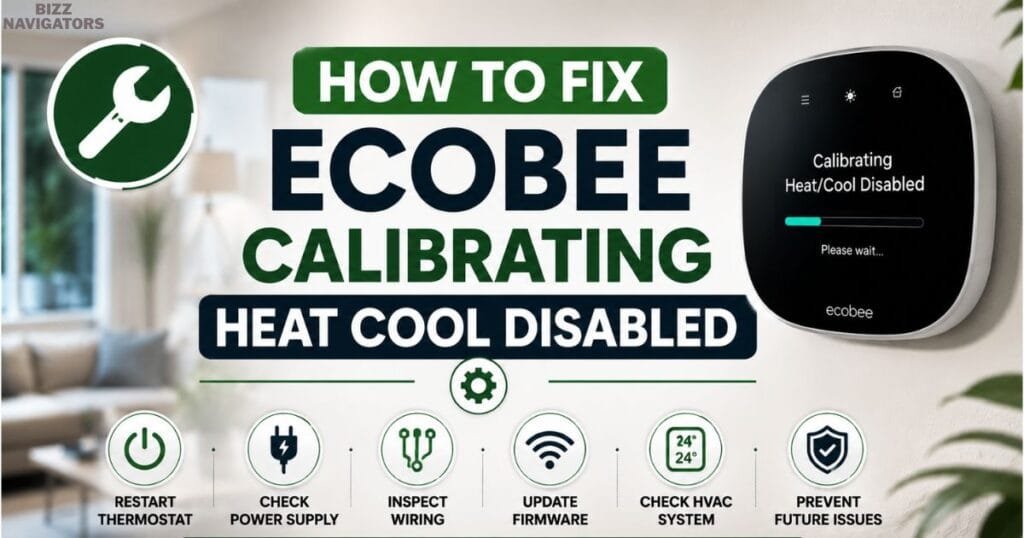
How to Fix Ecobee Calibrating Heat Cool Disabled
If your thermostat remains on the Ecobee calibrating heat cool disabled screen for longer than expected, work through the following solutions in order. Start with the simplest fixes before moving to more advanced troubleshooting.
Wait for the Calibration to Finish
The first step is often the easiest one—wait.
Ecobee usually completes calibration within 5 to 20 minutes. Interrupting the process by repeatedly restarting the thermostat can actually extend the calibration time.
If the message disappears within this period and your HVAC system starts normally, no further action is necessary.
Restart the Thermostat
A temporary software glitch may prevent the thermostat from completing calibration.
Restart your Ecobee by:
1. Opening the thermostat menu.
2. Selecting Settings.
3. Choosing Restart.
4. Waiting for the device to reboot completely.
After restarting, allow another 15–20 minutes for calibration to finish.
Check the Power Supply
An unstable power source is one of the most common reasons calibration never completes.
Inspect the following:
Furnace power switch
HVAC circuit breaker
Blown fuse
C-wire connection
Loose thermostat wiring
Even a brief interruption in power can force the thermostat to restart repeatedly, causing an endless calibration loop.
Inspect the Furnace or Air Handler
Your Ecobee depends on the furnace or air handler to provide low-voltage power.
Verify that:
The service switch is turned on.
The blower compartment door is fully closed.
The safety switch is engaged.
No warning lights appear on the furnace control board.
If the furnace loses power, the thermostat may continue displaying Ecobee says calibrating heat cool disabled because it cannot communicate with the HVAC system.
Verify Wi-Fi and Firmware
Although calibration itself does not require an internet connection, firmware updates can fix software bugs that interfere with normal operation.
If your thermostat connects to Wi-Fi:
Check for available firmware updates.
Install any pending updates.
Allow the thermostat to restart naturally.
Keeping firmware current helps prevent recurring calibration issues.
Look for Environmental Factors
The thermostat measures the room around it.
Avoid placing heat-producing objects near the device, including:
Table lamps
Space heaters
Direct sunlight
Kitchen appliances
Televisions
Rapid temperature changes near the thermostat may trigger additional sensor adjustments, making calibration appear longer than normal.
Contact Ecobee Support
If none of the previous steps resolve the problem and calibration continues for more than 30 minutes, the thermostat may have an internal hardware fault.
Before contacting support, record:
Thermostat model
Firmware version
Error messages
HVAC equipment type
Recent power outages or electrical work
Providing these details can speed up the troubleshooting process.
Ecobee Calibrating Heat Cool Disabled After a Power Outage
Many homeowners first notice this message immediately after electricity returns.
A power outage forces the thermostat to restart and reconnect with the HVAC system. During this startup process, Ecobee recalibrates its sensors before restoring normal heating or cooling.
In most cases, the thermostat resumes normal operation within 20 minutes.
If it does not:
Confirm power has fully returned to the furnace.
Reset any tripped breakers.
Check the HVAC fuse.
Wait for one complete calibration cycle.
Restart the thermostat only once if necessary.
If repeated outages occur, consider installing a surge protector to help protect both the thermostat and HVAC electronics from voltage fluctuations.
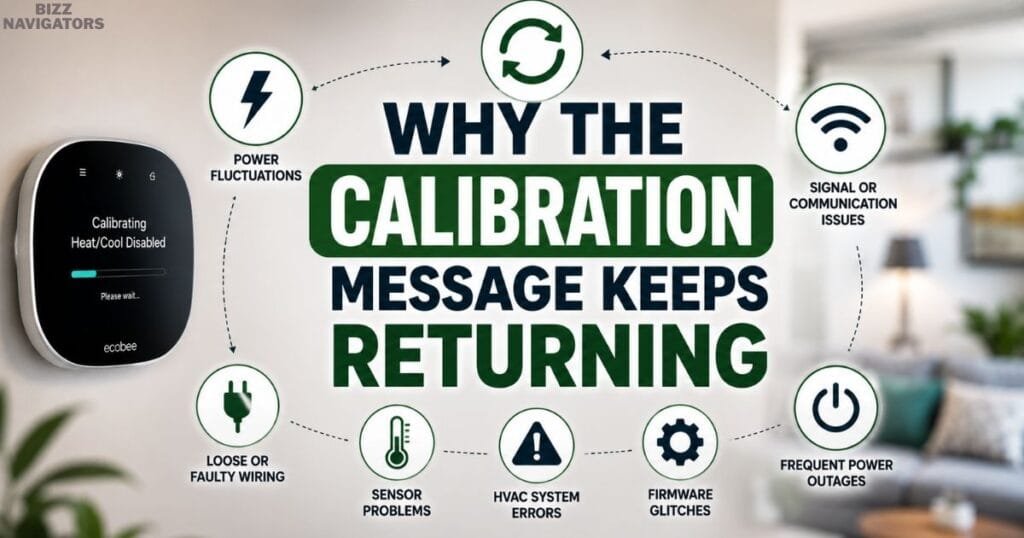
Why the Calibration Message Keeps Returning
Seeing the calibration screen once is normal. Seeing it several times each day is not.
Common reasons include:
Frequent Power Fluctuations
Even small voltage drops can restart the thermostat.
If your home’s electrical supply is unstable, Ecobee may repeatedly recalibrate after each interruption.
Loose C-Wire Connection
The C-wire supplies continuous power to the thermostat.
A loose or damaged C-wire may provide intermittent power, causing random restarts that trigger another calibration cycle.
HVAC Control Board Issues
If the furnace control board cannot communicate consistently with the thermostat, Ecobee may never receive confirmation that the system is ready.
This communication delay can repeatedly place the thermostat back into calibration mode.
Software Bugs
Occasionally, firmware bugs affect only specific thermostat models or software versions.
Installing the latest update usually resolves these temporary issues.
Aging Thermostat Hardware
If your thermostat has operated reliably for years and suddenly becomes stuck on calibration despite proper wiring and stable power, an internal component may be failing.
Persistent sensor or circuit board failures typically require professional diagnosis or replacement.
Can Water Around Your HVAC System Cause Calibration Problems?
Surprisingly, yes.
Your thermostat may appear to have a calibration problem when the real issue originates inside the HVAC system.
For example, a clogged condensate drain can cause water to collect in the drain pan.
Many HVAC systems include a float safety switch that shuts the system down when excessive water is detected.
When this happens:
The thermostat still has power.
The HVAC equipment stops responding.
Ecobee waits for communication.
Heating and cooling remain disabled.
If you notice water around your indoor unit, inspect the condensate drain and drain pan before assuming the thermostat is defective.
Comparison Table: Common Causes and Recommended Solutions
| Problem | Typical Symptoms | Recommended Fix |
| Initial installation | Calibration lasts 5–20 minutes | Wait for completion |
| Recent reboot | Temporary calibration screen | Allow restart to finish |
| Power outage | Calibration after electricity returns | Verify HVAC power and wait |
| Loose C-wire | Random restarts | Tighten or replace wiring |
| HVAC communication failure | No heating or cooling | Inspect furnace and control board |
| Firmware issue | Repeated calibration | Install latest firmware |
| Sensor malfunction | Incorrect room temperature | Contact Ecobee support |
| Water-triggered safety switch | HVAC won’t start | Clear condensate drain and reset system |
How Long Should Ecobee Calibration Take?
Under normal conditions, Ecobee completes its calibration within 5 to 20 minutes. During this time, the thermostat measures indoor conditions, checks communication with the HVAC system, and prepares to resume heating or cooling.
Several factors can affect how long the process takes, including:
A recent installation
A firmware update
A power outage
Indoor temperature changes
HVAC startup delays
If calibration finishes within 20 minutes and your system begins operating normally, there is usually nothing to worry about.
However, if Ecobee calibrating heat cool disabled remains on the screen for more than 30 minutes, it is time to investigate the underlying cause rather than continue waiting.
Ecobee Says Calibrating Heat Cool Disabled but the Temperature Isn’t Changing
Sometimes the calibration message disappears, but the room temperature remains unchanged. This usually indicates that the thermostat is working while the HVAC system is not responding correctly.
Possible reasons include:
Sensor Reading Delay
After calibration, the thermostat may need a few additional minutes to display the most accurate indoor temperature.
HVAC Equipment Isn’t Running
The thermostat can send heating or cooling commands, but if the furnace, heat pump, or air conditioner does not respond, the room temperature will remain the same.
Incorrect Wiring
Loose or incorrectly connected wires can interrupt communication between the thermostat and the HVAC system.
If you recently installed or replaced the thermostat, double-check that every wire matches the correct terminal.
Poor Thermostat Placement
Installing the thermostat near windows, doors, supply vents, fireplaces, or direct sunlight can cause inaccurate temperature readings.
For the best performance, place the thermostat on an interior wall away from heat sources and drafts.
How to Prevent Future Calibration Problems
Although occasional calibration is normal, recurring issues can often be avoided with regular maintenance.
Keep Firmware Updated
Firmware updates improve thermostat stability, fix known bugs, and enhance compatibility with HVAC equipment.
Enable automatic updates whenever possible.
Maintain a Stable Power Supply
A reliable power source helps prevent unexpected restarts.
Periodically inspect:
Circuit breakers
Furnace fuse
Transformer
C-wire connection
Correcting small electrical issues early can prevent repeated calibration cycles.
Schedule Routine HVAC Maintenance
Annual HVAC inspections help identify worn electrical components, dirty coils, failing transformers, and airflow problems before they affect thermostat performance.
Preventive maintenance also improves system efficiency and extends equipment life.
Replace Dirty Air Filters
Restricted airflow places extra strain on your HVAC system.
Replacing air filters every one to three months helps maintain consistent airflow and allows your heating and cooling equipment to respond properly to thermostat commands.
Protect Against Power Surges
Power surges caused by storms or electrical fluctuations can interrupt thermostat operation.
Installing a quality surge protector provides additional protection for both your thermostat and HVAC electronics.
When Should You Factory Reset Your Ecobee?
A factory reset should be considered only after you’ve ruled out power, wiring, and HVAC issues.
Resetting the thermostat erases your settings and returns the device to its default configuration.
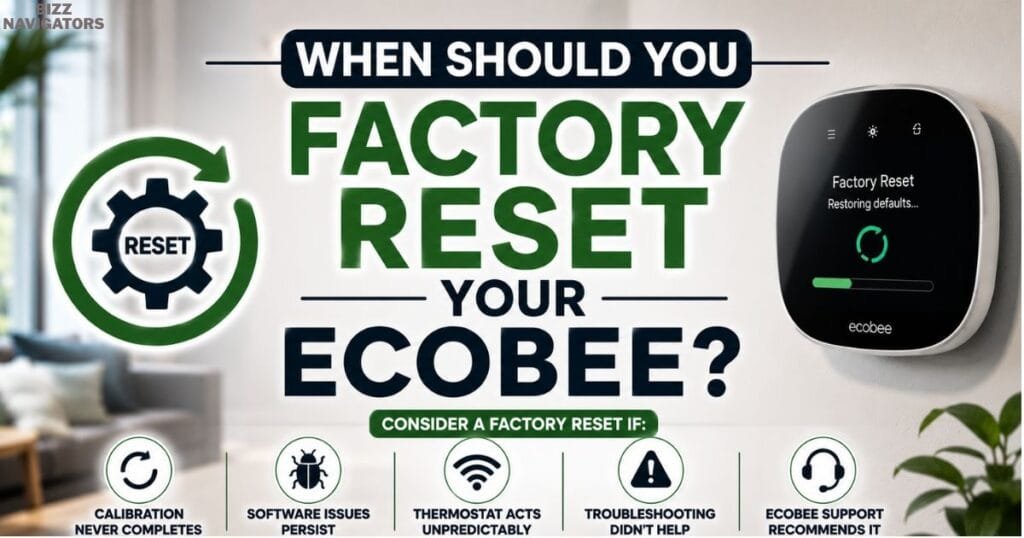
A factory reset may help if:
Calibration never completes after every restart.
Software problems continue after updating the firmware.
The thermostat behaves unpredictably despite stable power.
Ecobee Support recommends performing a reset.
A factory reset is unlikely to solve problems caused by damaged wiring, failed sensors, faulty HVAC components, or electrical interruptions.
Before resetting, note your Wi-Fi credentials and HVAC configuration so setup is easier afterward.
Key Takeaways
Ecobee calibrating heat cool disabled is usually a normal part of the thermostat’s startup process.
Most calibration cycles finish within 5–20 minutes.
Installation, firmware updates, and power outages commonly trigger calibration.
Calibration that lasts longer than 30 minutes often indicates a power, wiring, sensor, or HVAC communication problem.
Start troubleshooting with simple checks before considering a factory reset.
Regular HVAC maintenance and stable electrical power can help prevent recurring calibration issues.
Frequently Asked Questions
Why does my Ecobee keep saying calibrating heat cool disabled?
Repeated calibration usually points to unstable power, loose wiring, firmware problems, or communication issues between the thermostat and your HVAC system.
Can I bypass Ecobee calibration?
No. Calibration is an automatic safety feature that cannot be bypassed. The thermostat must complete this process before it enables heating or cooling.
Is it safe to restart the thermostat during calibration?
It’s best to avoid restarting the thermostat unless calibration has remained active for much longer than expected. Frequent restarts may interrupt the process and delay completion.
Why is my Ecobee stuck on calibrating temperature?
A thermostat that remains stuck may be experiencing power interruptions, sensor errors, faulty wiring, HVAC control board issues, or a software malfunction.
Does a power outage always trigger calibration?
Yes. In most cases, Ecobee recalibrates automatically after power is restored to ensure its temperature readings remain accurate before restarting your HVAC system.
Should I replace my Ecobee if calibration never finishes?
Not immediately. First, inspect your power supply, wiring, furnace, and firmware. If the problem persists after completing all recommended troubleshooting steps, contact Ecobee Support to determine whether repair or replacement is necessary.
Final Thoughts
If you see the Ecobee calibrating heat cool disabled message, it’s usually a normal calibration process that completes within 5–20 minutes. However, if Ecobee says calibrating heat cool disabled for too long or the message keeps reappearing, it’s often caused by power, wiring, sensor, HVAC, or firmware issues.
By following the troubleshooting steps in this guide, you can quickly identify the cause, restore normal heating or cooling, and help prevent the problem from happening again.

At BizzNavigators, we answer the questions you’re actually searching for, honestly and clearly. We check our facts before we publish anything, and if we’re not sure about something, we tell you instead of guessing. Whatever you’re looking for- a tech fix, a business tip, or a simple how-to- we want to give you an answer you can trust.