
What Is an Open Source AI Assistant?
An open source AI assistant is an AI system whose source code, components, or core framework are publicly available for inspection, modification, and self-hosting. Unlike a typical cloud-only assistant, it can give users more control over models, data, integrations, automation, and where conversations are processed.
That flexibility makes open source assistants especially useful for developers, privacy-conscious users, businesses, and anyone who wants more than a basic chatbot.
Some projects focus on general personal assistance, while others specialize in coding, local AI, voice interaction, automation, or private workplace data.
Why Choose an Open Source AI Assistant?
The biggest advantage is control. Instead of depending entirely on a single company’s interface and infrastructure, users can choose how their assistant works and, in many cases, where their data goes.
A self-hosted setup can also connect an assistant to local files, applications, databases, calendars, development tools, and other services.
Other advantages include:
Greater control over data and privacy
Ability to customize behavior and workflows
Support for local AI models
Integration with developer tools
Self-hosting on a PC, server, or VPS
Community-developed extensions
Less dependence on a single AI provider
Greater flexibility for automation
However, open source does not automatically mean completely free, private, or easy to configure. Hosting, model inference, storage, and maintenance can still require money and technical knowledge.
Best Open Source AI Assistant Projects to Know
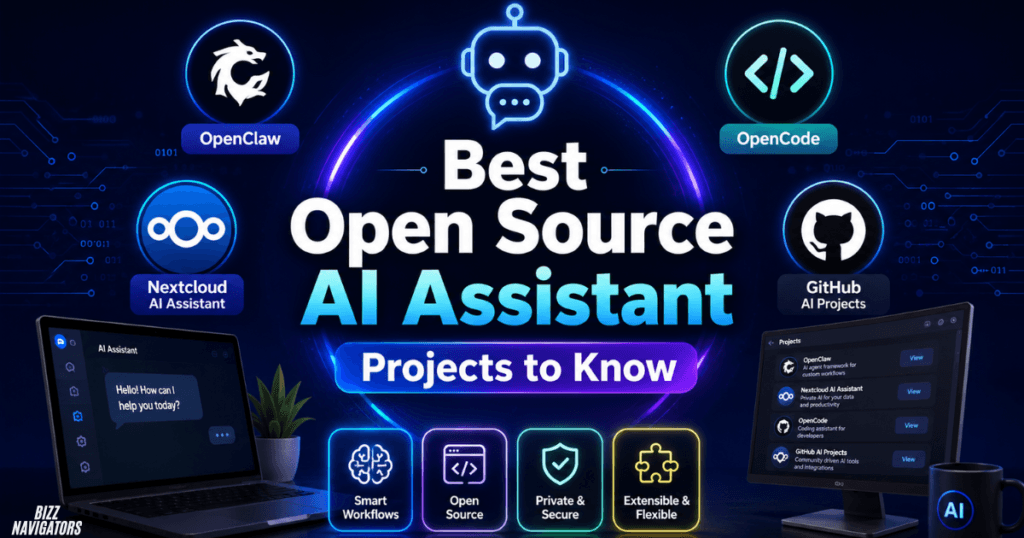
There is no single project that is best for everyone. The right choice depends on whether you need a personal agent, coding assistant, private workplace AI, voice assistant, or local chatbot.
OpenClaw
OpenClaw is one of the more interesting options for users who want an autonomous, self-hosted AI assistant rather than a simple chat interface.
It can operate as an agent gateway, connect to different communication channels, use skills, work with external tools, and perform multi-step tasks.
Its skill system is particularly important because users can extend what the assistant can do instead of relying only on its built-in capabilities. OpenClaw supports installing skills from Git repositories and ClawHub, including workspace-specific and global installations.
That makes OpenClaw a strong candidate for users searching for a self hosted open source AI assistant.
It is also worth understanding the security trade-off. Giving an AI agent access to files, commands, accounts, and third-party skills increases the potential attack surface. Research has specifically examined risks such as skill poisoning, prompt manipulation, supply-chain attacks, and excessive privileges in OpenClaw-style agents.
Nextcloud AI Assistant
If your priority is private productivity rather than autonomous computer control, Nextcloud Assistant takes a different approach.
It integrates AI directly into the Nextcloud ecosystem and can assist with documents, email, conversations, translation, transcription, summaries, and questions about user-provided data.
Nextcloud supports local large language models as well as other backend options, allowing organizations to choose between on-premise and cloud-based AI depending on their requirements.
The official documentation notes that Nextcloud’s AI Assistant requires an AI backend app configured by an administrator.
For organizations already using Nextcloud, this can make more sense than building a separate assistant from scratch.
OpenCode
OpenCode is different from OpenClaw and Nextcloud Assistant because it concentrates primarily on software development.
The project describes itself as an open source coding agent. It includes separate build and plan agents, supports multiple operating systems, and provides a desktop application in beta.
This makes it particularly relevant for searches such as open source AI assistant for coding, opencode AI, and open source AI assistant VSCode.
It can work with development workflows where the assistant needs to understand a codebase, explore files, plan changes, and perform development tasks.
Open Source AI Assistant vs Traditional AI Chatbots
The main difference is control.
| Feature | Open Source AI Assistant | Typical Cloud AI Assistant |
| Source visibility | Often available | Usually proprietary |
| Self-hosting | Often possible | Usually unavailable |
| Local models | Common option | Less common |
| Customization | High | Limited |
| Data control | Potentially high | Provider-dependent |
| Maintenance | User responsibility | Provider-managed |
| Technical setup | Can be complex | Usually simple |
| Automation | Often extensive | Depends on platform |
An open source assistant can therefore be a better choice when customization and ownership matter more than convenience.
A cloud assistant may still be the better option for users who simply want to start chatting without managing servers, models, updates, or integrations.
How an Open Source AI Assistant Works
Most modern open source assistants consist of several layers rather than one single AI model.
The language model provides reasoning and text generation. This could be a local model running on your hardware or a remotely hosted model.
The assistant or agent layer manages instructions, memory, conversations, and decision-making.
Tools and integrations allow the assistant to interact with files, websites, APIs, calendars, terminals, databases, or applications.
Finally, a user interface provides the interaction layer. This could be a web dashboard, terminal, desktop application, mobile app, or messaging platform.
This architecture is why an assistant can behave more like an agent than a traditional chatbot.
How to Set Up a Local Open Source AI Assistant
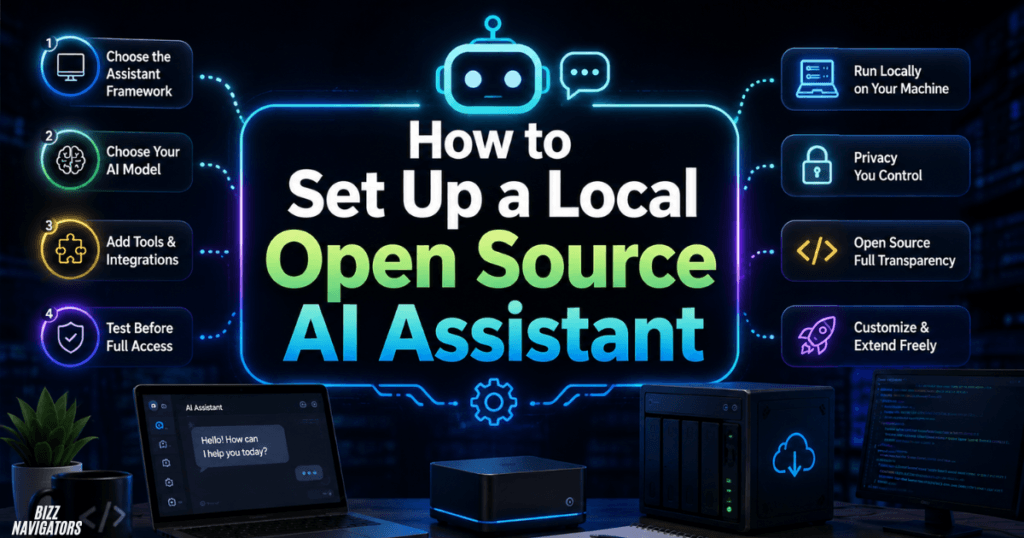
A local open source AI assistant usually requires four basic decisions.
1. Choose the Assistant Framework
Start with the job you want the assistant to perform.
For autonomous personal workflows, an agent framework such as OpenClaw may be appropriate.
For private collaboration and document workflows, Nextcloud Assistant may be a better fit.
For programming, OpenCode is designed specifically around coding tasks. (Nextcloud)
2. Choose Your AI Model
The model determines much of the assistant’s reasoning quality and hardware requirements.
Smaller models can run on modest hardware but may struggle with complicated reasoning or long workflows.
Larger models generally provide stronger results but demand substantially more memory and processing power.
For that reason, beginners should test a smaller local model before investing in expensive hardware.
3. Add Tools Carefully
Tools turn a chatbot into an assistant capable of taking actions.
You might connect:
File systems
Web search
Git repositories
Calendars
Email
Databases
Messaging platforms
Development environments
Automation services
Only enable permissions the assistant genuinely needs. An AI that can read a file is very different from one that can execute arbitrary commands or send messages on your behalf.
4. Test Before Giving Full Access
Start with low-risk tasks.
Ask the assistant to summarize a document, search a test directory, or generate a code change without allowing it to modify important production files.
Once the workflow behaves reliably, expand permissions gradually.
Open Source AI Assistant for Windows, Linux, and Android
Operating-system support varies considerably between projects.
For Windows, OpenCode provides installation options through package managers and also offers a Windows desktop application in beta.
Linux users have even more flexibility because self-hosted AI stacks, command-line tools, containers, and local model runtimes are widely supported.
Android is a little different because a mobile assistant may act as a client rather than hosting the entire AI system locally. OpenClaw, for example, now has a companion mobile app, but the gateway still needs to run on a continuously available computer or server. (Tom’s Guide)
So an open source AI assistant for Android does not necessarily mean the entire AI workload runs on the phone.
What About Open Source AI Voice Assistants?
Voice support adds another layer to the system.
A voice assistant generally needs:
1. Speech-to-text
2. An AI model
3. Tool or agent execution
4. Text-to-speech
The advantage of an open source approach is that these components can potentially be replaced independently.
For example, a user could choose one speech-recognition engine, a separate local language model, and another text-to-speech system.
This modularity is useful for users who want a private open source AI voice assistant, but voice systems can require more configuration than ordinary text-based assistants.
What Is ClawHub?
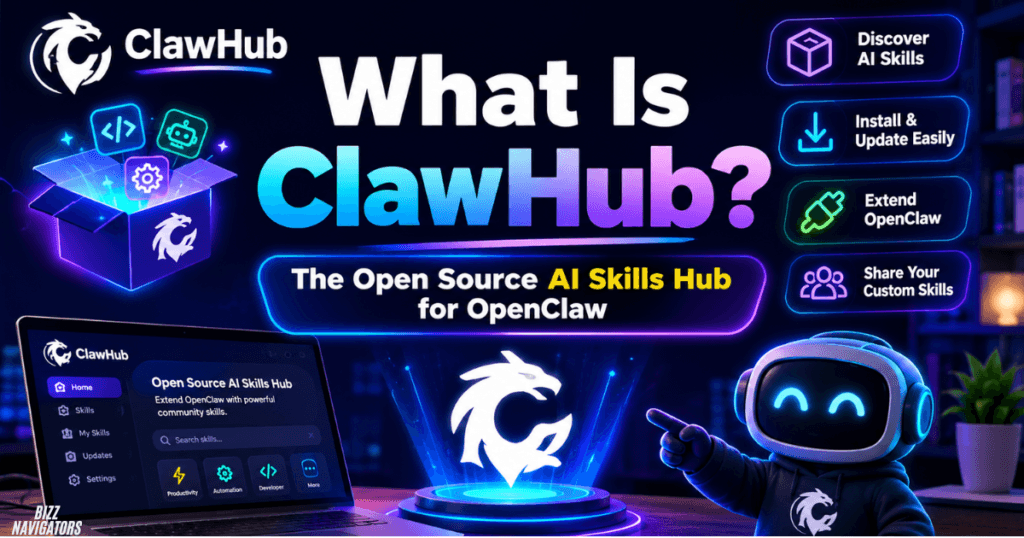
ClawHub is the public registry for OpenClaw skills and plugins.
The official documentation says users can search, install, and update skills through OpenClaw commands, while the separate ClawHub CLI handles registry-oriented workflows such as publishing and synchronization.
For example, OpenClaw supports commands for searching and installing skills directly into a workspace.
But third-party agent skills deserve scrutiny. Security researchers have documented malicious or suspicious skills in agent ecosystems, including threats involving credential theft, malware, and deceptive instructions. (TechRadar)
Treat an agent skill more like software you are installing than like a harmless chatbot prompt.
Open Source AI Assistant Security Checklist
Before giving an assistant access to important systems:
Use separate test accounts where possible.
Avoid unnecessary administrator privileges.
Review third-party skills before installation.
Keep the assistant and extensions updated.
Store API keys securely.
Restrict file-system access.
Review commands before allowing execution.
Use network restrictions for sensitive environments.
Keep backups of important data.
Monitor logs when the assistant performs autonomous actions.
This matters because an agent can turn an ordinary AI mistake into an actual system action.
Which Open Source AI Assistant Should You Choose?
The best choice depends on your primary goal.
| Your Goal | Better Starting Point |
| Autonomous personal AI agent | OpenClaw |
| Private collaboration and documents | Nextcloud Assistant |
| AI coding and development | OpenCode |
| Local AI experimentation | Self-hosted model + assistant framework |
| Voice automation | Modular open source voice stack |
| AI on a development workstation | OpenCode or an agent framework |
The important point is not to choose a project simply because it is popular. Choose the architecture that matches the work you actually want the assistant to perform.
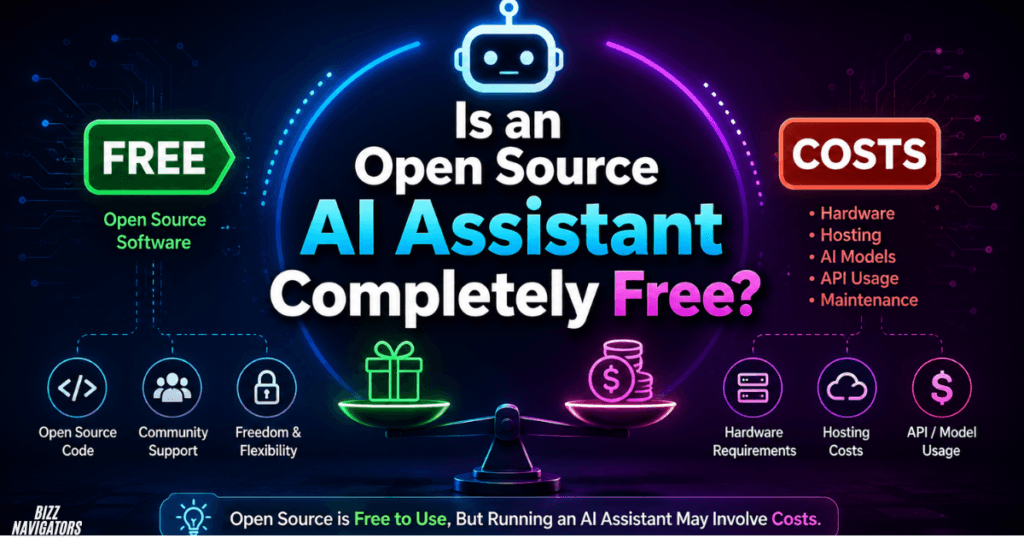
Is an Open Source AI Assistant Completely Free?
Not necessarily.
The software may be free and open source, but running it can still create costs.
A local setup may require a capable CPU, GPU, RAM, or storage. A server-based setup can create monthly hosting expenses. Cloud models and external APIs can also charge based on usage.
The cheapest approach is often to start with existing hardware and a smaller model, then upgrade only when the workload demands it.
Frequently Asked Questions
What is the best open source AI assistant?
There is no universal winner. OpenClaw is suited to autonomous agent workflows, Nextcloud Assistant focuses on private productivity, and OpenCode specializes in AI-assisted software development. Your use case should determine the choice.
Is there a free open source AI assistant?
Yes. Many open source assistant frameworks and coding agents can be installed without a software license fee. However, hardware, hosting, AI models, and API usage can still create costs.
Can I run an open source AI assistant locally?
Yes. Local deployment is one of the biggest reasons people choose open source AI. The exact requirements depend on the assistant, model size, operating system, and tasks you want to automate.
What is OpenClaw used for?
OpenClaw is designed for AI-agent workflows where an assistant can use skills, interact with tools, communicate through supported channels, and perform multi-step tasks. Its extensibility comes with additional security responsibilities.
Is OpenCode an AI assistant?
OpenCode is better described as an open source coding agent rather than a general-purpose personal assistant. It is designed around software development and provides agents for building, planning, and code exploration. (GitHub)
Can Nextcloud Assistant run locally?
Yes. Nextcloud supports local AI backends and on-premise deployments, although the exact setup depends on the configured AI backend and administrator configuration. (Nextcloud)
Final Verdict
An open source AI assistant is no longer limited to a simple chatbot running on a developer’s computer. Modern projects can connect AI models with files, applications, development environments, communication tools, and business data.
OpenClaw is worth exploring for autonomous personal-agent workflows, Nextcloud Assistant stands out for private productivity environments, and OpenCode is a strong option for developers who want an open-source coding agent.
The real advantage is flexibility. You can choose the model, deployment method, integrations, and level of control instead of accepting one fixed AI experience. Just remember that greater control also means greater responsibility for security, updates, permissions, and maintenance.

At BizzNavigators, we answer the questions you’re actually searching for, honestly and clearly. We check our facts before we publish anything, and if we’re not sure about something, we tell you instead of guessing. Whatever you’re looking for- a tech fix, a business tip, or a simple how-to- we want to give you an answer you can trust.
1 thought on “Open Source AI Assistant: Best Free Tools to Try”