
What Is a Self Hosted AI Assistant?
A self hosted AI assistant gives you more than AI chat; it gives you control. You can run it on your own PC, server, or VPS, connect it to models, files, tools, APIs, and messaging apps, and decide exactly what it can access. Unlike a traditional chatbot, it can handle tasks, search information, automate workflows, remember useful context, and work continuously.
In this guide, you’ll learn how self-hosted AI works, how OpenClaw and Leon compare, which hosting approach fits your needs, and how to keep your AI assistant secure.
Why Self Hosting Is Becoming More Useful
The difference is not simply where the software is installed. Self hosting changes how the entire AI workflow can be controlled.
You can choose the model, storage location, integrations, permissions, and automation rules. You can also replace one component without rebuilding the entire system.
For example, an assistant might use a local model through Ollama for private conversations while using a cloud model for demanding reasoning tasks. This hybrid approach can provide a practical balance between privacy, speed, and capability.
Research into personal AI systems also highlights an important limitation: simply replacing a powerful cloud model with a smaller local model does not automatically produce equivalent results. Model capability, memory, tools, orchestration, and the surrounding architecture all affect performance.
What Can a Self Hosted AI Assistant Actually Do?
The useful part of these systems is their ability to connect AI reasoning with real tools.
Depending on the software and permissions you configure, an assistant can:
Search the web and summarize information
Read and organize selected files
Create notes and task lists
Manage calendars and reminders
Draft emails and messages
Run scripts or commands
Interact with APIs
Assist with coding
Maintain long-term memory
Automate repetitive workflows
Communicate through messaging platforms
Monitor scheduled tasks
The important distinction is action versus conversation. A normal chatbot might tell you how to complete a task. An agentic self-hosted assistant can potentially complete the task itself after you grant the necessary permissions.
OpenClaw, for example, describes its Gateway as a bridge between messaging applications and an always-available personal assistant, with support for tools, sessions, memory, and multi-agent routing.
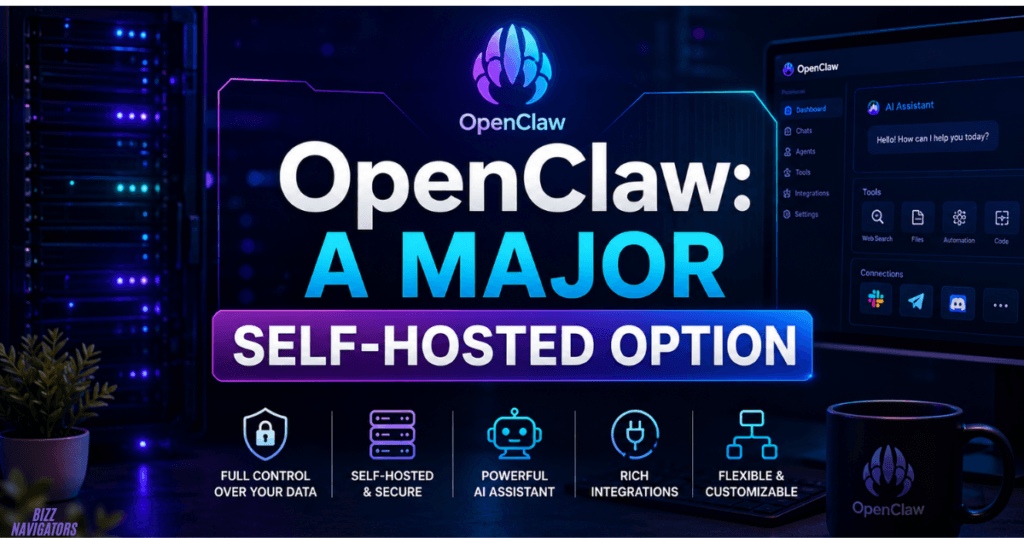
OpenClaw: A Major Self-Hosted Option
OpenClaw has become one of the most visible projects in this space.
Its architecture centers around a Gateway that can connect different communication channels with an AI agent. The project is open source and designed to run on your own hardware or server. Its official documentation lists macOS, Linux, and Windows support and recommends a Node. js-based installation.
The practical attraction of self-hosted OpenClaw is that you can build an assistant around your own environment instead of adapting your workflow to a fixed SaaS interface.
You can also connect different model providers rather than treating the assistant and model as the same product.
Open Source AI Assistant GitHub Projects
GitHub is one of the best places to discover projects if you want to build rather than simply subscribe.
An open source AI assistant GitHub project can give you access to the source code, configuration, integrations, issue tracker, and community contributions. That makes it easier to inspect how an assistant works and modify it for specialized requirements.
One notable example is Leon. Its current 2.0 Developer Preview is being rebuilt around tools, context, memory, and agentic execution. Leon can operate locally while supporting both local and remote AI providers.
This illustrates an important point: open source does not automatically mean every component is fully offline. You still need to check which models, APIs, telemetry systems, and external services your particular configuration uses.
OpenClaw vs. Leon vs. Saner AI
These names often appear together in searches for personal AI assistants, but they solve somewhat different problems.
| Assistant | Main strength | Self-hosting focus | Best suited for |
| OpenClaw | Agentic automation and integrations | Strong | Developers and power users |
| Leon | Open-source personal assistant with tools and memory | Strong | Developers who want an extensible assistant |
| Saner AI | Notes, research, tasks, and personal organization | Primarily a hosted productivity service | Users seeking a ready-made productivity assistant |
Saner AI focuses heavily on notes, information retrieval, task organization, and reducing the friction between research and productivity. Its current product positioning is different from a traditional self-hosted framework.
So, if your priority is ownership and customization, look toward open-source self-hosted projects. If your priority is convenience and minimal technical maintenance, a managed AI service may make more sense.
How to Host an AI Assistant Yourself
You do not necessarily need an expensive server.
A basic setup can run on a desktop, laptop, mini PC, home server, or VPS. The right choice depends on whether you want local model inference, 24/7 availability, remote access, or all three.
A typical architecture looks like this:
User → Chat Interface → AI Gateway → Model → Tools → Your Data
For a simple deployment, you generally need:
1. A supported operating system
2. The assistant software
3. An AI model or provider
4. Storage for configuration and memory
5. Internet access if external APIs are required
6. Secure authentication
7. Optional messaging integrations
OpenClaw’s current documentation recommends Node 24.15+ or compatible Node 22 LTS versions, along with an API key from your selected provider.
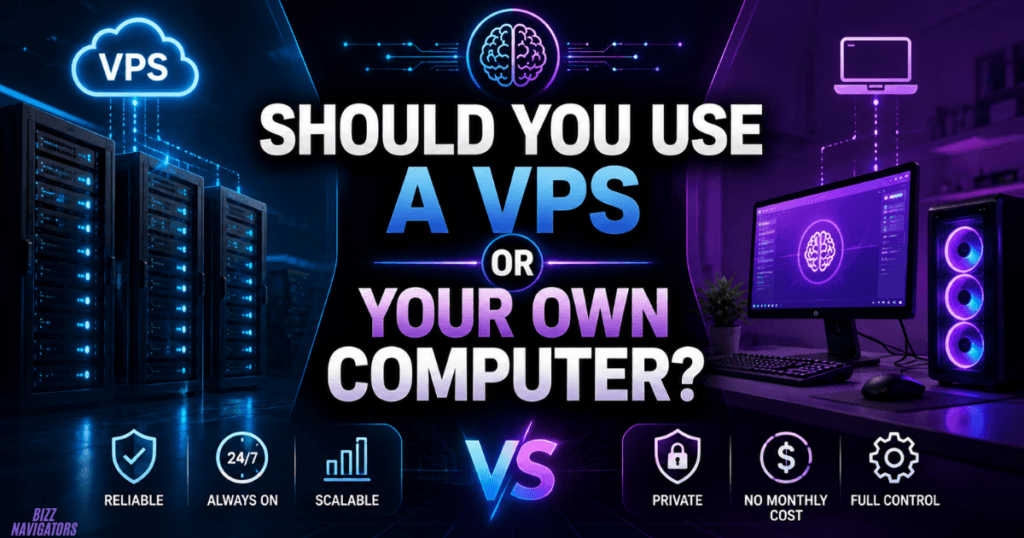
Should You Use a VPS or Your Own Computer?
A home computer or mini PC is attractive when privacy and local processing matter most. You maintain physical control and can potentially run local models without sending prompts to a cloud provider.
A VPS is more convenient for an assistant that must remain online 24/7. Your laptop can be switched off while the server continues running scheduled jobs and messaging integrations.
The trade-off is that a VPS introduces another infrastructure provider into your setup. Your assistant may be self-hosted from a software perspective, but the physical server still belongs to the hosting company.
For production-style deployments, recent OpenClaw hosting guidance recommends appropriate CPU and RAM capacity, secure gateway configuration, restricted access, backups, and careful permission management.
What About OpenClaw Managed Hosting?
OpenClaw managed hosting sits between traditional SaaS and complete DIY self-hosting.
Instead of installing, updating, securing, and monitoring the assistant yourself, a hosting provider manages much of the infrastructure while giving you access to the assistant environment.
This can be useful if you want the capabilities of OpenClaw without becoming responsible for every Linux, Docker, networking, and security issue.
The trade-off is straightforward: more convenience usually means less infrastructure-level control.
Before choosing managed hosting, check where your data is stored, who controls encryption keys, which logs are retained, how backups work, and whether you can export your configuration and data.
Security Matters More Than the Installation
This is where many self-hosting guides become too optimistic.
An AI assistant with access to your files, browser, terminal, email, or accounts is not just a chatbot. It becomes part of your security boundary.
Recent academic research on OpenClaw-style agents identifies risks involving prompt injection, malicious skills, supply-chain attacks, persistent memory, and high-privilege operations.
Use practical safeguards:
Give the assistant only necessary permissions.
Keep sensitive credentials outside ordinary prompts.
Avoid running the Gateway publicly without strong authentication.
Separate experimental agents from important systems.
Review third-party skills before installing them.
Back up configuration and important data.
Keep the operating system and assistant updated.
Require confirmation before irreversible actions.
Treat an autonomous assistant more like a junior digital employee than a harmless chat window.
Local Models vs. Cloud Models
A common misconception is that self-hosted automatically means 100% offline.
It does not.
You can host the assistant locally while connecting it to OpenAI, Anthropic, Google, or another remote model provider. In that case, the assistant infrastructure is yours, but some prompts or data may still leave your machine.
For a genuinely local workflow, you need a model that runs on your own hardware.
The downside is hardware demand. Larger models generally need considerably more memory and compute, while smaller models can sacrifice reasoning quality. Real-world testing has shown that modest hardware can struggle with complex agentic tasks when using smaller local models.
For many users, a hybrid setup is the most sensible option.
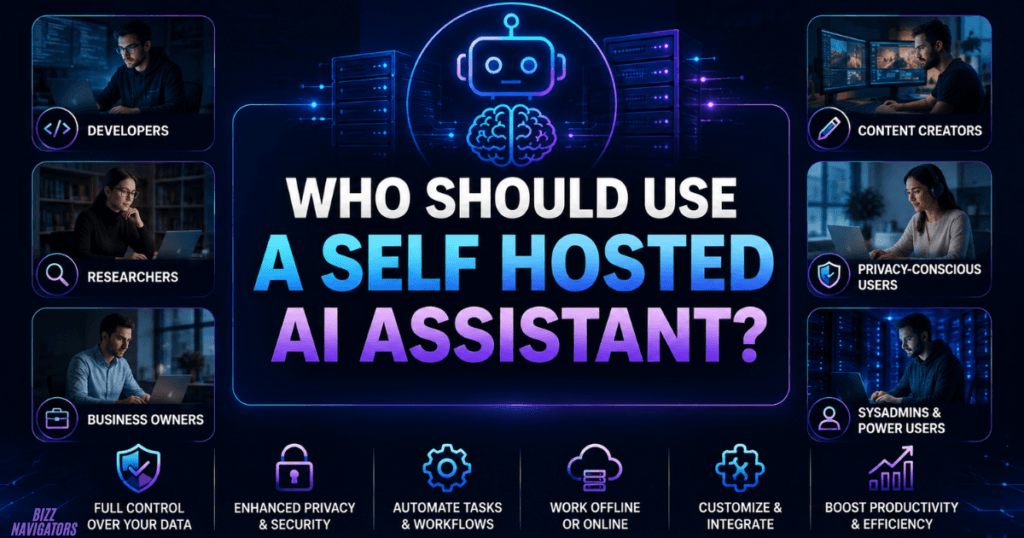
Who Should Use a Self Hosted AI Assistant?
A self-hosted assistant makes the most sense if you:
Want greater control over personal data
Enjoy customizing technical systems
Need persistent automation
Want to connect AI with private tools
Run repetitive business workflows
Prefer open-source software
Need a 24/7 assistant
Want to experiment with different models
It may not be ideal if you want a zero-maintenance experience. Self hosting means you become responsible for updates, security, backups, troubleshooting, and configuration.
Is a Self Hosted AI Assistant Worth It?
Yes—if control and customization matter more to you than simplicity.
The biggest advantage is not merely saving money or avoiding subscriptions. It is the ability to build an AI environment around your own workflow.
OpenClaw is particularly interesting for users who want an agent that can connect to messaging channels, tools, memory, and automated workflows. Leon is another strong open-source option for developers interested in a customizable personal assistant.
Meanwhile, services such as Saner AI demonstrate the alternative approach: prioritize an immediately useful productivity experience rather than requiring users to maintain the infrastructure themselves.
Key Takeaways
A self hosted AI assistant runs under your infrastructure and configuration.
Self hosting can improve control over data, models, tools, and automation.
OpenClaw is a prominent option for agentic, multi-channel AI automation.
Leon offers an open-source approach centered on tools, memory, context, and agentic execution.
Saner AI is more focused on productivity, notes, research, and task organization.
Local AI and self-hosted AI are related but not identical.
VPS hosting is useful for assistants that need to remain online.
Managed hosting reduces maintenance but gives you less infrastructure control.
Security should be designed before giving an AI agent access to sensitive systems.
Frequently Asked Questions
Can I run a self hosted AI assistant on Windows?
Yes. Several modern assistants support Windows directly or through environments such as WSL2. OpenClaw’s ecosystem includes Windows support, while Leon lists Windows among its supported operating systems.
Is OpenClaw completely free?
The open-source software can be self-hosted, but your total cost may include server hardware, electricity, hosting, and AI model/API usage. Free software does not necessarily mean zero operating cost.
Does self-hosted AI work offline?
It can. However, true offline operation requires a locally running model and locally available tools. If your assistant uses a cloud API, some processing still depends on the internet.
What is the best self-hosted AI assistant?
There is no universal winner. OpenClaw is a strong choice for agentic automation and integrations, while Leon is appealing to developers who want an open-source assistant architecture they can inspect and extend. Your best choice depends on the models, tools, hardware, and level of control you need.

At BizzNavigators, we answer the questions you’re actually searching for, honestly and clearly. We check our facts before we publish anything, and if we’re not sure about something, we tell you instead of guessing. Whatever you’re looking for- a tech fix, a business tip, or a simple how-to- we want to give you an answer you can trust.