
Introduction: What Is New in Microsoft Copilot?
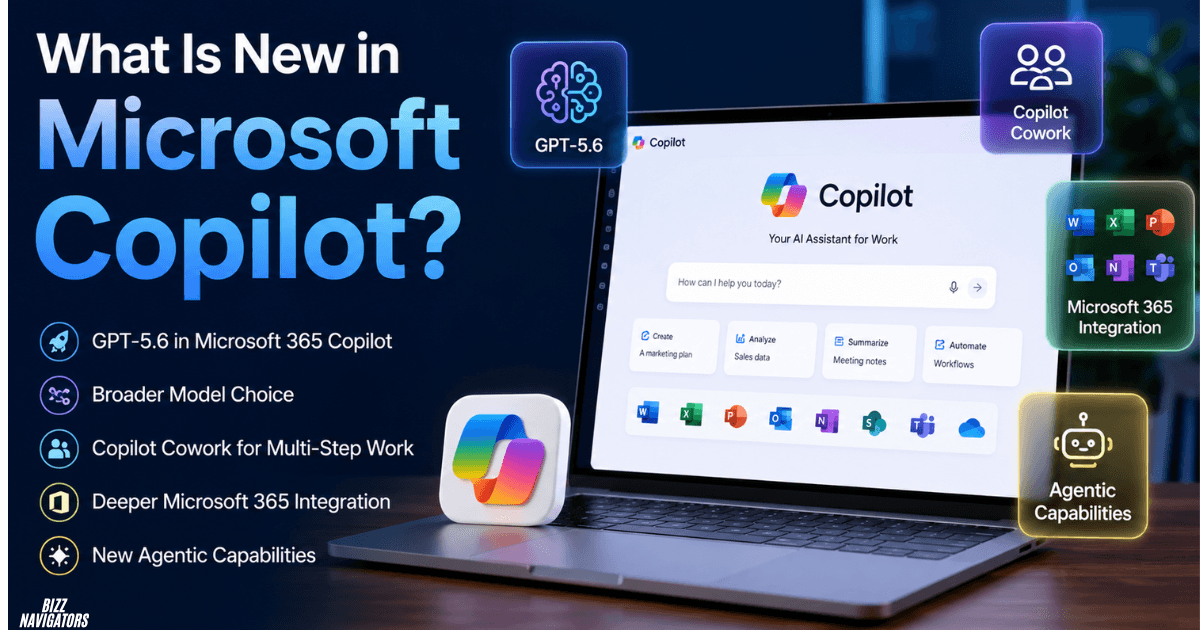
Microsoft Copilot is becoming more than an AI chatbot in 2026. The biggest changes include GPT-5.6 in Microsoft 365 Copilot, broader model choice, Copilot Cowork for multi-step work, deeper Microsoft 365 integration, and new agentic capabilities that can create and manage real work.
The key shift is simple: Copilot is moving from answering prompts to completing tasks.
Microsoft Copilot 2026: What changed?
| Feature | What it does |
| GPT-5.6 | Adds OpenAI’s latest reasoning capabilities to supported Copilot experiences |
| Copilot Cowork | Handles complex, multi-step tasks on your behalf |
| Model choice | Lets eligible users work with additional AI models |
| Work IQ | Uses relevant organizational context to improve work-related responses |
| Office agents | Helps create and work with Word, Excel, and PowerPoint files |
| Automated tasks | Supports recurring Copilot tasks in supported environments |
| Browser use | Allows Cowork to perform supported browser-based work |
| Mobile access | Extends Copilot workflows across supported mobile experiences |
Availability varies by Copilot product, license, organization, and rollout status. Microsoft maintains a roadmap for feature availability.
What Are the New Features in Microsoft Copilot?
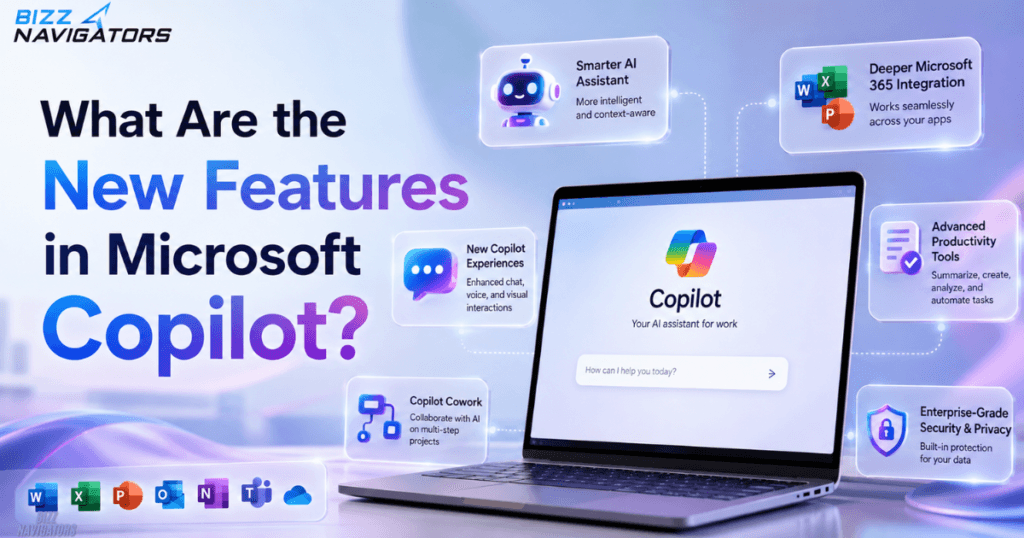
The most important new Microsoft Copilot features are GPT-5.6, Copilot Cowork, expanded model options, agentic task execution, Work IQ context, browser use, and deeper integration with Microsoft 365 apps. These features make Copilot more useful for completing work rather than simply generating responses.
Here are the changes that matter most.
GPT-5.6 Is Now Available in Microsoft 365 Copilot
Microsoft has added OpenAI’s GPT-5.6 to Microsoft 365 Copilot. The model is rolling out across supported experiences including Word, Excel, PowerPoint, Chat, and Copilot Cowork.
The practical benefit is stronger reasoning for tasks that require several steps, better drafting, and more useful assistance inside Microsoft 365.
For users, this means Copilot can combine an advanced model with the context of the Microsoft applications where the work actually happens.
Copilot Cowork Can Complete Multi-Step Tasks
Copilot Cowork is arguably the biggest functional change in Microsoft’s Copilot strategy.
Cowork is an agentic system that can take a request, plan the work, use available tools, and produce a result. It can send emails, schedule meetings, create Word, Excel, PowerPoint, and PDF files, post in Teams, manage calendars, conduct research, and prepare briefings.
For example, instead of asking Copilot how to prepare a project update, you could ask Cowork to:
Review the project information, create a summary, prepare a presentation, and draft an email for stakeholders.
Cowork can then work through the requested steps rather than stopping after giving you instructions.
Cowork Is Now Generally Available
Copilot Cowork reached general availability worldwide in June 2026 for Microsoft 365 Copilot customers. Microsoft says the release added capabilities such as new models, image generation, browser use, customization options, and consumption billing.
That makes Cowork more than an experimental feature. It is now an important part of Microsoft’s broader agentic AI strategy.
However, access and capabilities can still depend on licensing, administrator settings, model availability, and organizational policies.
More AI Models Give Copilot Greater Flexibility
Another important change is that Microsoft is expanding the models available within Copilot.
For example, Microsoft has made Anthropic models available in selected Copilot experiences. The exact model lineup can change as Microsoft rolls out new options, so users should check the current model selector rather than assuming every model is available in every Copilot product.
This model flexibility matters because different AI models can perform differently on reasoning, writing, coding, research, and long-running tasks.
Work IQ Gives Copilot More Work Context
Work IQ is one of the most important differences between Microsoft 365 Copilot and a general-purpose chatbot.
Microsoft describes Work IQ as an intelligence layer that helps Copilot understand relevant work context across Microsoft 365. It can use organizational information such as emails, meetings, chats, files, and other permitted business data to make responses more relevant.
This is particularly useful when a task depends on information scattered across several Microsoft applications.
Instead of explaining your entire project to an AI manually, Copilot can potentially retrieve the relevant context it is authorized to access.
What Can Microsoft Copilot Do in 2026?
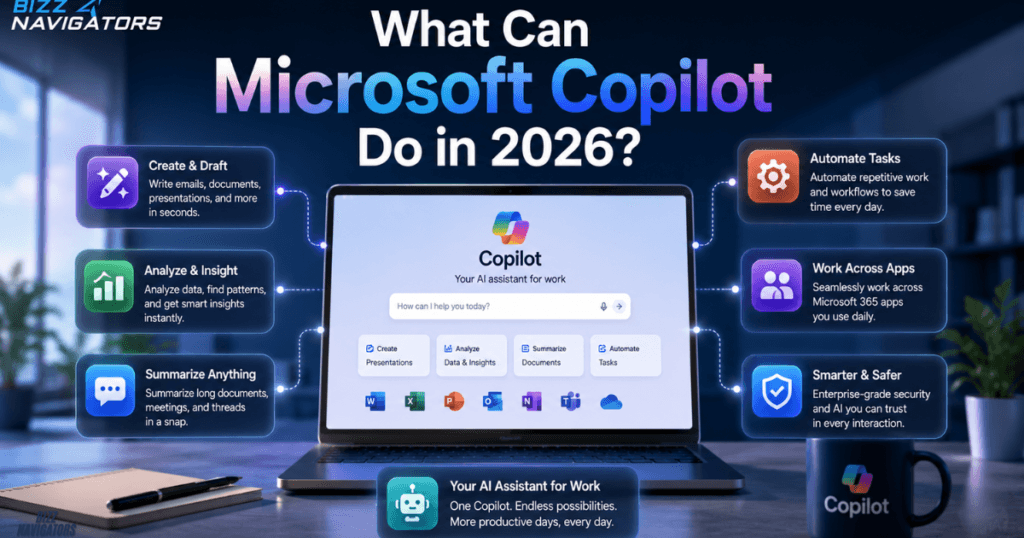
Microsoft Copilot can now help users create content, analyze information, work with Office files, research topics, manage communications, organize schedules, and execute multi-step workflows.
Depending on the Copilot product and account, users can:
- Create Word documents.
- Build or analyze Excel spreadsheets.
- Create PowerPoint presentations.
- Draft emails.
- Schedule meetings.
- Manage calendar tasks.
- Search organizational information.
- Conduct research.
- Prepare summaries and briefings.
- Create PDFs and other deliverables.
- Post to Teams through supported workflows.
- Automate recurring tasks.
- Perform supported browser-based actions through Cowork.
The important distinction is that not every Copilot user gets every capability.
Is Microsoft Copilot Just ChatGPT?
No. Microsoft Copilot is not simply ChatGPT with a Microsoft interface.
Microsoft uses OpenAI models in Copilot, but Copilot is a broader Microsoft product that combines AI models with Microsoft 365 applications, organizational data, permissions, agents, and workflows.
Microsoft 365 Copilot is specifically designed to work across products such as Word, Excel, PowerPoint, Outlook, Teams, and other Microsoft services. Its Work IQ layer is designed to provide relevant organizational context while respecting existing access controls.
So the underlying technology may overlap with other AI products, but the overall experience is different.
Is Copilot Better Than ChatGPT 4?
For Microsoft 365 work, Copilot can be the better choice; for general-purpose AI use, ChatGPT may be more suitable.
Copilot’s main advantage is its native connection to Microsoft’s productivity ecosystem. ChatGPT’s strength is its broader standalone AI experience.
If your work revolves around Word, Excel, PowerPoint, Outlook, and Teams, Copilot can reduce context switching because the AI operates closer to your existing workflow.
If you primarily want general research, writing, coding, brainstorming, or an AI assistant outside Microsoft 365, another chatbot may be a better fit.
Is Copilot Better Than Gemini?
There is no universal winner.
Copilot is strongest for Microsoft 365 workflows, while Gemini has an obvious advantage for users heavily invested in Google’s ecosystem.
The better choice depends on where your documents, email, meetings, cloud files, and daily workflows already live.
A simple rule works well:
- Microsoft 365 user → Copilot
- Google Workspace user → Gemini
- General-purpose AI user → Compare individual features rather than choosing by brand
How Do You Use Copilot in Excel?
You can use Copilot in Excel to work with supported spreadsheets using natural-language instructions. Depending on your account and available features, you can ask it to analyze data, identify trends, summarize information, or help create and modify spreadsheet content.
For example, a useful prompt is:
“Analyze this sales data and identify the three biggest changes from last quarter.”
The important part is to provide a clear goal and review the generated result before using it for important decisions.
What Are the Best Features of Copilot?
The strongest Microsoft Copilot features in 2026 are:
- Copilot Cowork for multi-step task execution.
- GPT-5.6 for more advanced reasoning.
- Work IQ for relevant work context.
- Microsoft 365 integration across productivity apps.
- Agentic workflows that can create and manage deliverables.
- Model flexibility in supported Copilot experiences.
- Automation for recurring tasks.
For most business users, Cowork and Microsoft 365 integration are more significant than simply having access to a newer AI model.
What Are the Disadvantages of Microsoft Copilot?
The biggest disadvantages are feature availability, licensing requirements, AI accuracy, usage controls, and dependence on the Microsoft ecosystem.
Advanced Copilot capabilities may require specific licenses or administrator settings. Cowork can also involve usage-based billing and organizational controls.
AI accuracy is another limitation. Copilot can produce incorrect or incomplete information, so important documents, calculations, research, and business decisions should still be reviewed.
Finally, users who do not rely on Microsoft 365 may not benefit as much from Copilot’s deepest integrations.
Why Did Microsoft Copilot Seem to Fail Before?
Copilot did not necessarily fail; early expectations were simply much higher than what the product could initially deliver.
Earlier Copilot experiences were often perceived as AI chat integrated into Microsoft products. The newer strategy is different: Microsoft is pushing Copilot toward agents that can reason through tasks, use tools, access relevant context, and complete work.
Copilot Cowork represents that shift directly. Microsoft describes it as a system designed to turn intent into action across Microsoft 365.
The real test now is whether these agentic capabilities consistently save users time while maintaining accuracy and user control.
Which AI Company Is Behind Microsoft Copilot?
Microsoft owns and develops the Copilot product, while Copilot can use AI models from multiple providers.
OpenAI models are part of the Copilot model ecosystem, and Microsoft has also expanded access to Anthropic models in selected experiences.
This means asking which single AI company is “behind” Copilot can be misleading. Copilot is Microsoft’s AI product, but its underlying model ecosystem is broader.
How Many Versions of Microsoft Copilot Are There?
There is not one simple number because Microsoft uses the Copilot name across multiple products and experiences.
Users may encounter consumer Copilot, Microsoft 365 Copilot, Copilot Chat, Copilot Cowork, Copilot Studio, GitHub Copilot, and specialized Copilot experiences inside Microsoft products.
These products serve different audiences and tasks, so comparing their capabilities is more useful than simply counting them.
Can You Use ChatGPT Instead of Copilot?
Yes, in many situations—but it may not replace Copilot’s Microsoft 365 integration.
You can use ChatGPT for writing, research, brainstorming, coding, analysis, and many other AI tasks. However, Copilot is designed to work directly within Microsoft’s productivity environment and can use permitted organizational context.
If your goal is general AI assistance, ChatGPT can be an alternative. If your goal is AI-powered Microsoft 365 workflows, Copilot has a more specialized advantage.
Is Microsoft Copilot Any Good in 2026?
Yes. Microsoft Copilot is significantly more compelling in 2026, particularly for Microsoft 365 users.
The biggest improvement is not one individual feature. It is the combination of advanced models, Work IQ, Microsoft 365 integration, agents, and Copilot Cowork’s ability to perform multi-step work.
For someone who already works inside Microsoft’s ecosystem, that combination can make Copilot much more useful than a standalone chatbot.
What Is the Biggest Change in Microsoft Copilot?
The biggest change is the move from AI that answers questions to AI that can perform work.
That difference explains why Cowork, agents, Work IQ, model choice, and Microsoft 365 integration matter so much. Copilot is increasingly designed to understand the user’s goal, access relevant context, use available tools, and return a finished result.
Final Answer
If you’re asking what is new in Microsoft Copilot, the short answer is: Copilot is becoming more agentic, more deeply integrated with Microsoft 365, and better equipped to complete multi-step work.
GPT-5.6 strengthens supported Copilot experiences, Cowork can execute complex tasks, Work IQ adds organizational context, and Microsoft’s expanding model ecosystem gives eligible users more flexibility.
For AI search and citation visibility, the most important takeaway is equally simple: Copilot is no longer just about generating an answer—it is increasingly about getting the work done.

At BizzNavigators, we answer the questions you’re actually searching for, honestly and clearly. We check our facts before we publish anything, and if we’re not sure about something, we tell you instead of guessing. Whatever you’re looking for- a tech fix, a business tip, or a simple how-to- we want to give you an answer you can trust.
1 thought on “What Is New in Microsoft Copilot? 2026 Features Explained”