
Introduction
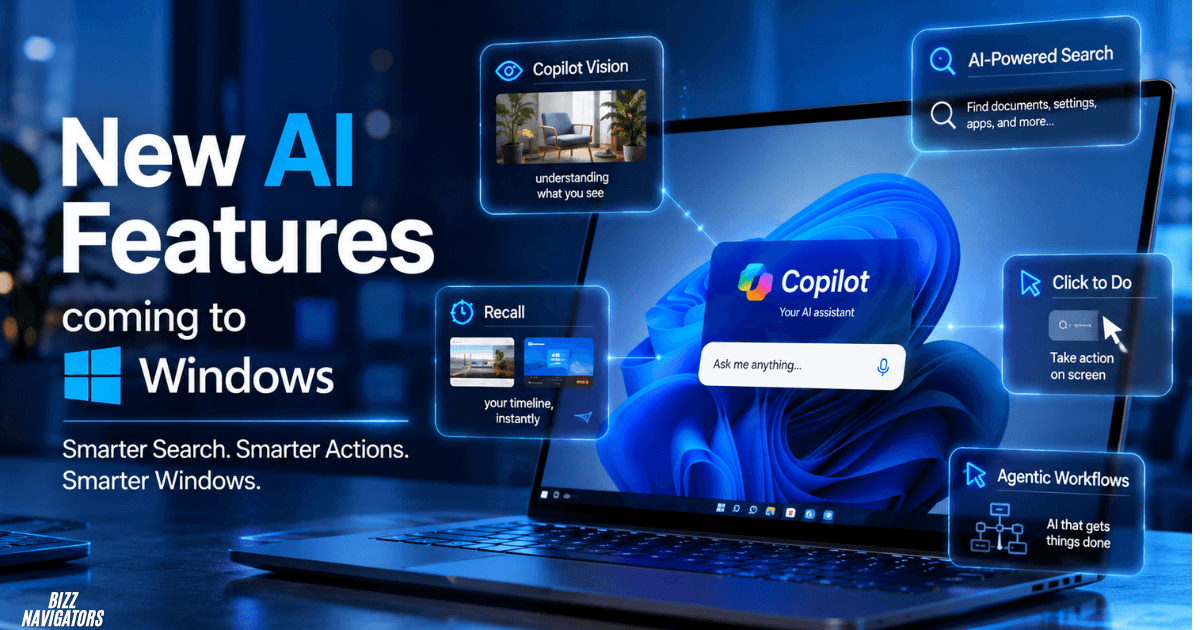
What new AI features are coming to Windows? Microsoft is expanding Windows with AI that can understand screen content, find information more naturally, assist with files, perform on-screen actions, and eventually handle multi-step tasks. The biggest developments include Copilot Vision, AI-powered search, Recall, Click to Do, agentic workflows, and more on-device AI for Copilot+ PCs.
Not every feature is available to every Windows 11 user yet. Availability depends on the device, Windows version, region, language, account, and whether a feature is still in preview.
Which New Windows AI Features Matter Most?
The most important Windows AI developments are Copilot Vision, Recall, Click to Do, improved Windows Search, AI agents, and on-device AI. Microsoft is gradually moving AI from a separate assistant into different parts of the operating system and its built-in applications.
Here is the short version:
| Feature | What it does | Current status |
| Copilot Vision | Understands a shared screen or app | Available in supported Copilot experiences |
| Recall | Finds previously viewed content | Copilot+ PC, preview |
| Click to Do | Takes actions on screen content | Expanding on Copilot+ PCs |
| Improved Windows Search | Understands natural-language requests | Expanding |
| AI Agents | Handles multi-step workflows | Preview/development |
| On-device AI | Runs supported AI workloads locally | Copilot+ PCs |
| AI-powered apps | Adds intelligence to Paint, Photos and Snipping Tool | Expanding |
This distinction is important because Microsoft’s Windows AI strategy is developing in stages rather than arriving as one single Windows update.
Copilot Vision Will Let Windows AI Understand Your Screen
Copilot Vision lets users share a Windows app or browser screen with Copilot so the assistant can analyze what is visible and provide contextual guidance. It works during an active session and can answer questions about the content being shared. Microsoft says Vision does not directly click, type, or scroll for the user.
This makes Vision different from a traditional chatbot.
For example, you could share a complicated settings page and ask:
“What should I change here to improve performance?”
Copilot can interpret the visible interface and explain the relevant options.
The feature is especially interesting when combined with voice because users can ask follow-up questions naturally instead of repeatedly typing prompts.
Microsoft also states that Vision only works with content the user actively chooses to share, and the active session ends when sharing stops.
Windows Search Is Becoming More AI-Friendly
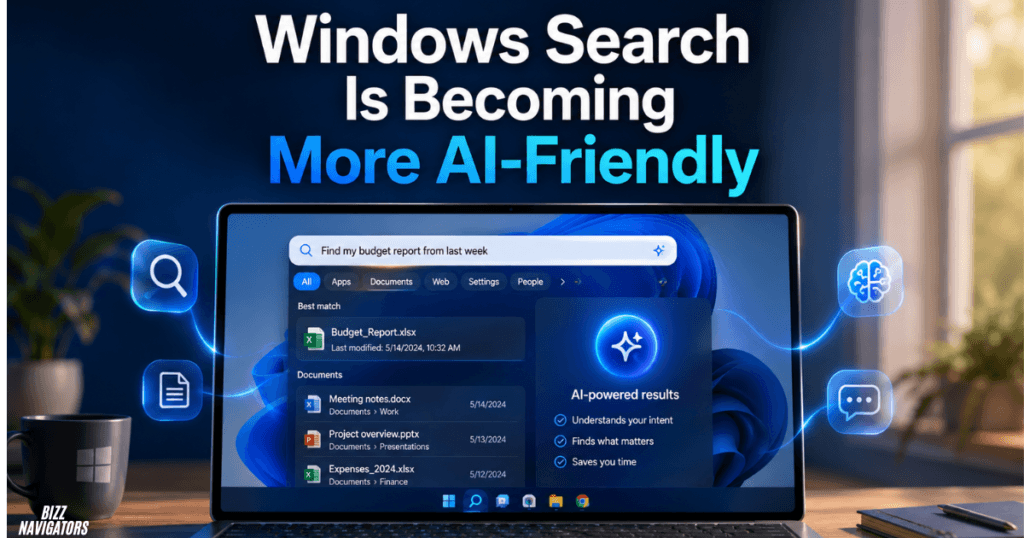
Windows Search is moving toward understanding what users mean rather than requiring exact setting names or file terms. This could make Windows easier to navigate when users know the result they want but do not know where Microsoft placed the relevant setting.
Instead of searching for a precise configuration name, a user could describe a problem or goal in everyday language.
For example:
“How can I make my laptop use less battery?”
The value here is simple: users do not need to understand Windows terminology before they can find the right option.
Microsoft already lists Improved Windows Search among the AI experiences available on Copilot+ PCs, showing that smarter search is becoming part of the broader Windows AI experience.
AI Agents Could Be the Biggest Future Change
AI agents could eventually make Windows capable of completing multi-step tasks instead of simply answering questions. Rather than asking Copilot for instructions and performing every step yourself, an agent can be designed to work through a larger task on your behalf.
This is where Microsoft’s Windows AI strategy becomes more ambitious.
A future workflow could look like:
1. Find documents related to a project.
2. Identify the important information.
3. Organize the relevant files.
4. Prepare a summary.
5. Return the result to the user.
Microsoft has been developing experimental agentic experiences for Windows, but these capabilities should not be treated as universally available Windows features yet.
That distinction matters for an article targeting “What new AI features are coming to Windows”: agentic Windows is a future-facing direction, while several other AI features are already available or rolling out.
Recall Will Help Users Find Previously Seen Information
Recall is designed to help users rediscover content they previously viewed on a Copilot+ PC by searching saved snapshots with natural language. Microsoft describes Recall as a preview experience exclusive to Copilot+ PCs.
For example, if you remember seeing a particular product, document, website, or image but cannot remember its name, Recall can help locate the relevant snapshot.
Microsoft says Recall does not continuously record audio or save continuous video. Users can also pause snapshot saving, filter apps and websites, or delete snapshots. The feature processes Recall content locally on the Copilot+ PC and uses Windows Hello authentication for access and settings changes.
That local-processing approach is important because Recall deals with potentially sensitive screen activity.
Click to Do Turns Screen Content Into Useful Actions
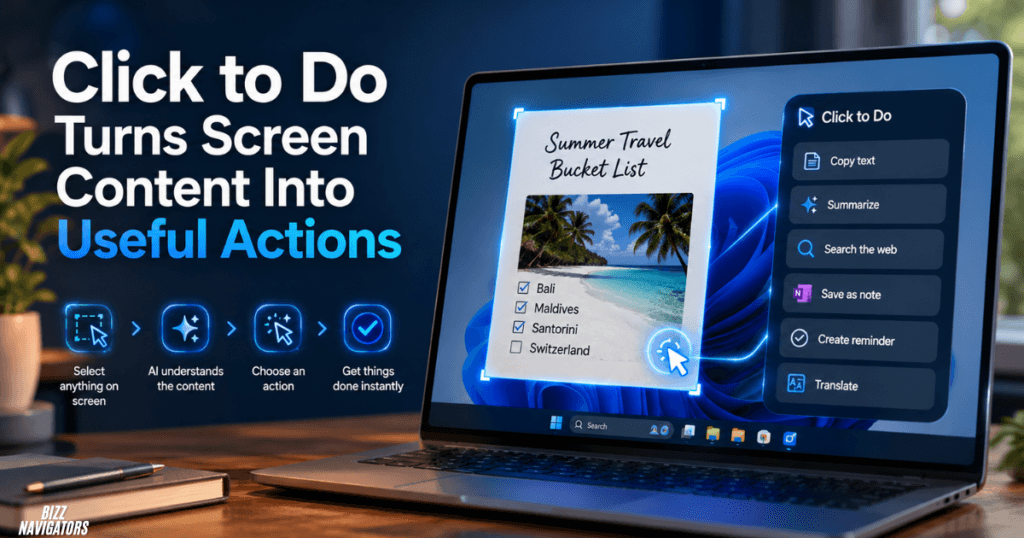
Click to Do identifies text and images on the screen and lets users perform relevant actions without manually copying content into another application. Microsoft says the initial screen analysis is performed locally on the device.
For text, available actions can include:
Copying text
Searching the web
Summarizing
Creating a bulleted list
Rewriting text
Opening selected content in another application
Sending selected information to Copilot
For images, supported actions include opening content in Paint or Photos, removing backgrounds, erasing objects, and performing visual search. Availability varies by region and language.
This is one of Microsoft’s more practical AI features because it connects AI directly to whatever is already visible on the desktop.
Does Click to Do Require a Copilot+ PC?
Yes, for the supported Copilot+ PC experience, Microsoft lists a 40 TOPS NPU, 16 GB RAM, eight logical processors, and at least 256 GB of storage.
The NPU is important because Microsoft’s intelligent Click to Do text actions use Phi Silica, a small language model designed to run locally on Copilot+ PCs.
That illustrates one of the main differences between ordinary Windows PCs and newer AI PCs: more AI processing can happen directly on compatible hardware.
AI Features Are Expanding Inside Windows Apps
Microsoft is also adding AI capabilities to familiar Windows applications rather than keeping everything inside Copilot.
Paint, Photos, and Snipping Tool are increasingly part of the Windows AI ecosystem.
For example, Microsoft’s Copilot+ PC feature list includes Cocreator in Paint, Restyle Image, Image Creator, and Super Resolution features, alongside Recall, Click to Do, and improved Windows Search.
Snipping Tool also benefits from OCR and Click to Do integration, allowing Windows to recognize text and provide actions based on captured screen content.
The broader trend is clear: Microsoft is turning ordinary Windows utilities into AI-assisted tools.
Will Windows AI Work Without a Copilot+ PC?
Some Windows AI features work without a Copilot+ PC, but several advanced on-device experiences require compatible hardware.
Copilot can provide AI assistance on supported Windows devices, while features built around local AI models and NPUs may require a Copilot+ PC.
Microsoft defines Copilot+ PCs as a category of Windows PCs equipped with an NPU capable of more than 40 trillion operations per second (TOPS).
So buying a newer Windows laptop does not automatically mean every upcoming AI feature will be available.
The hardware requirements matter.
Why On-Device AI Matters for Future Windows Features
On-device AI allows supported models to run directly on the PC instead of sending every AI operation to a cloud service. This can improve responsiveness and reduce dependence on an internet connection for suitable workloads.
Click to Do is a useful example. Microsoft says its intelligent text actions use Phi Silica locally on Copilot+ PCs.
This approach could become increasingly important as Windows adds more AI features.
The future Windows PC may therefore combine:
Cloud-based AI for larger tasks
Local AI for fast everyday actions
NPUs for efficient AI processing
Windows-level context for smarter assistance
What Windows AI Features Are Actually “Coming”?
The answer depends on how the word coming is interpreted.
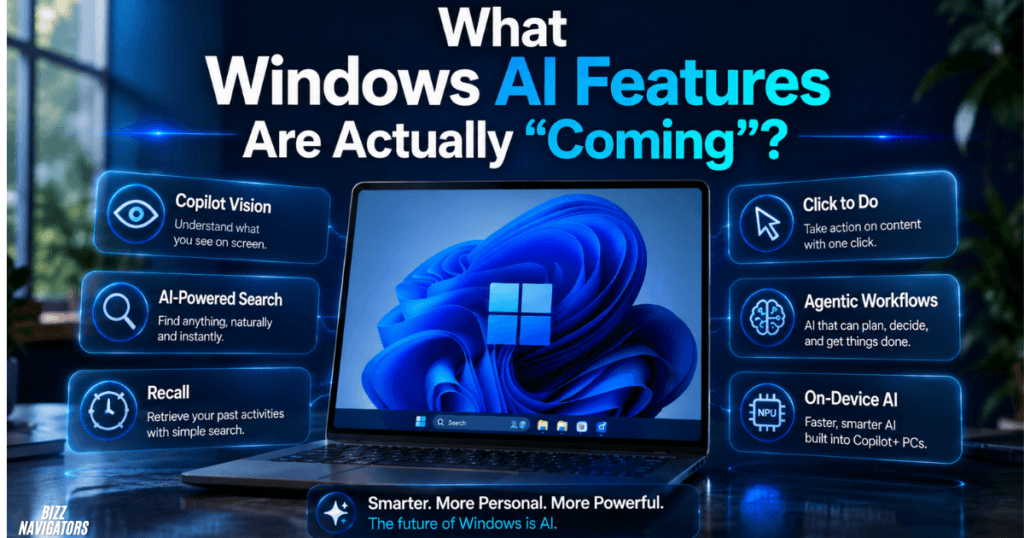
Already available or rolling out: Copilot Vision, improved Windows Search, Click to Do, Recall preview, and AI-powered Windows applications.
More future-facing: deeper agentic workflows, broader task automation, and AI systems that can work across applications and files with greater autonomy.
This distinction makes the topic more accurate than simply presenting every Microsoft AI announcement as a feature that will immediately appear on all Windows PCs.
Are These Windows AI Features Safe?
Microsoft has built privacy controls into several of its Windows AI experiences, but users should still understand what each feature processes before enabling it.
Recall lets users control snapshots and processes its saved Recall content locally on supported Copilot+ PCs.
Click to Do also analyzes screen content locally, while selected information can be sent to an online provider when the user chooses actions such as web search.
Copilot Vision is session-based and only observes content that the user actively shares.
So the right approach is not to label Windows AI as simply “safe” or “unsafe.” The better approach is to check the data flow and privacy controls for each feature.
Final Answer
The next wave of Windows AI is moving beyond a standalone Copilot chatbot. Microsoft is integrating AI into search, screen understanding, file and content workflows, built-in applications, and increasingly automated tasks.
For users, the most practical changes are Copilot Vision, Click to Do, Recall, improved Windows Search, and AI-powered apps. The most significant long-term development could be agentic AI, where Windows assistants begin handling multi-step work instead of simply explaining how to do it.
The key takeaway is that Windows is becoming more context-aware and AI-assisted, but feature availability will continue to depend on hardware, rollout stage, region, language, and Microsoft’s ongoing development.
FAQs About New AI Features Coming to Windows
What new AI features are coming to Windows?
The major Windows AI developments include Copilot Vision, improved AI search, Recall, Click to Do, AI-powered apps, on-device AI, and agentic workflows.
What is the most important upcoming Windows AI feature?
Agentic AI could have the biggest long-term impact because it aims to let Windows AI complete multi-step tasks rather than only provide answers.
Is Recall available on every Windows 11 PC?
No. Recall is a Copilot+ PC feature and is currently documented by Microsoft as a preview experience.
Does Copilot Vision control your computer?
No. Microsoft says Copilot Vision can analyze shared screen content and provide guidance, but it does not click, type, or scroll on the user’s behalf.
What does Click to Do do in Windows?
Click to Do recognizes text and images on screen and provides actions such as summarizing, rewriting, searching, copying, image editing, and asking Copilot, depending on the content, device, region, and language.
Do I need a Copilot+ PC for Windows AI?
Not for every AI feature. However, several advanced on-device experiences require Copilot+ hardware with a capable NPU.

At BizzNavigators, we answer the questions you’re actually searching for, honestly and clearly. We check our facts before we publish anything, and if we’re not sure about something, we tell you instead of guessing. Whatever you’re looking for- a tech fix, a business tip, or a simple how-to- we want to give you an answer you can trust.
4 thoughts on “What New AI Features Are Coming to Windows?”