
What Is an AI Clipboard Manager?
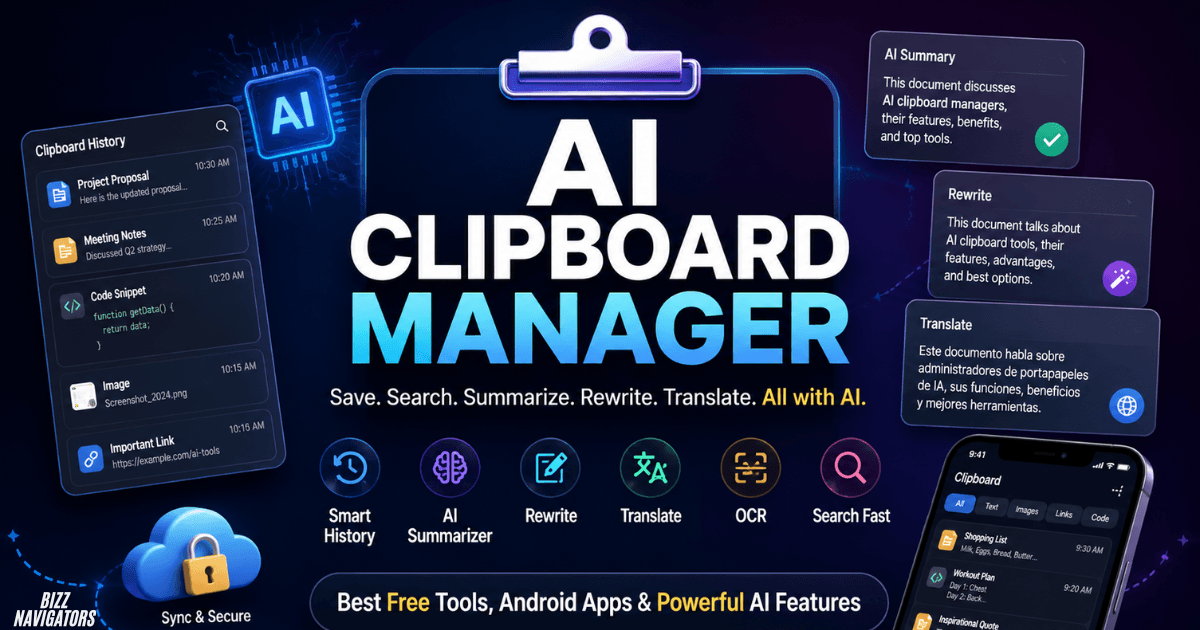
An AI clipboard manager turns everyday copy-and-paste into a faster, smarter workflow by saving copied text, images, links, and files while helping you summarize, rewrite, translate, organize, search, and transform content with AI.
Unlike a basic clipboard that only stores recently copied items, an AI clipboard manager can actually work with your copied content. You can copy an email and shorten it, copy technical text and get an explanation, or organize information without repeatedly switching between apps.
If you regularly copy information for writing, research, coding, or daily work, an AI clipboard manager can save time and make that entire process much easier.
What Does an AI Clipboard Manager Do?
An AI clipboard manager can perform different tasks depending on the application, but the most useful functions include:
Saving clipboard history
Searching previous copied items
Summarizing long text
Rewriting sentences
Fixing grammar
Translating copied text
Explaining code
Extracting information
Converting unstructured text into organized data
Using OCR to read text from images
Finding clipboard items by meaning or keywords
The main benefit is simple: you spend less time switching between applications to process copied information.
Why Use an AI Clipboard Manager?
An AI clipboard manager is useful when you frequently copy information and need to reuse, organize, or transform it. Writers can rewrite text, developers can analyze code, researchers can save and find notes, and office workers can process repetitive information without repeatedly opening separate AI tools.
It becomes particularly useful when your workflow involves copying information from several sources.
Instead of this:
Copy → Open AI tool → Paste → Write instruction → Copy result → Return to original app
you can potentially do this:
Copy → Select AI action → Paste or use result
That small difference can save significant time during repetitive work.
Key Features to Look For
The best AI clipboard manager for you depends on your workflow, but these features are worth checking:
Clipboard history: Keeps multiple copied items available instead of replacing the previous item.
Search: Lets you quickly find older clipboard entries.
AI rewriting: Changes wording, tone, grammar, or readability.
Summarization: Reduces long copied material into key points.
Translation: Converts copied text into another language.
OCR: Extracts text from screenshots or images.
Semantic search: Helps find information based on meaning instead of requiring an exact phrase.
Keyboard shortcuts: Makes retrieving clipboard items faster.
Privacy controls: Lets you exclude sensitive applications or prevent certain information from being stored.
AI Clipboard Manager Free: Are Free Options Available?
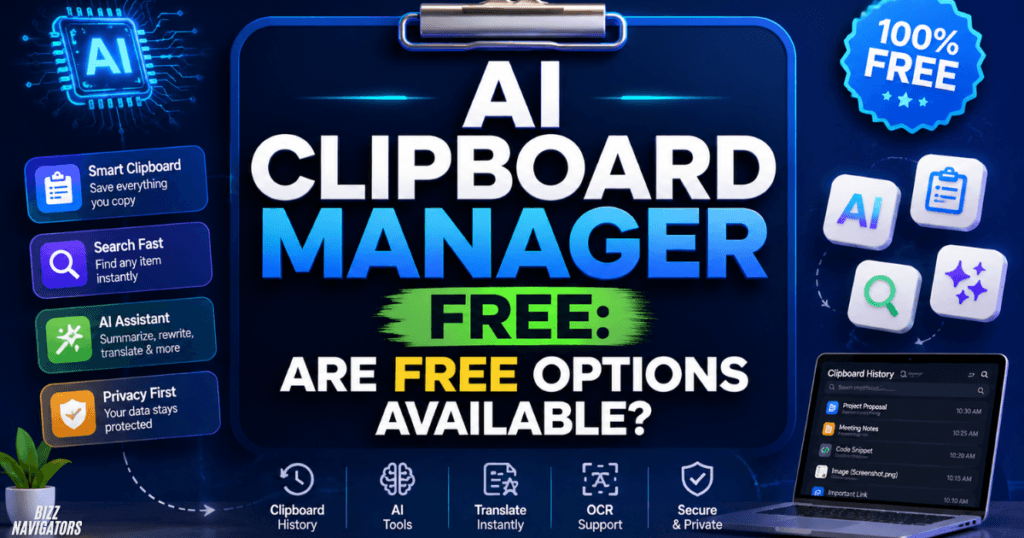
Yes. Free AI clipboard managers are available, but their limitations vary. Some provide free clipboard history and charge for AI features, while others limit the number of AI operations or provide local AI processing without a subscription.
Before choosing a free option, check exactly what the free version includes.
A free tool may offer:
Clipboard history
Basic search
Limited AI actions
Basic rewriting
Translation
Local processing
Limited daily usage
If you only need occasional AI assistance, a free plan may be enough. Heavy users should check usage limits before making it part of their daily workflow.
Is UiPath Clipboard AI Free?
UiPath Clipboard AI has a Community version, and UiPath’s documentation describes free copy-and-paste usage for users who sign in with a UiPath Automation Cloud, Google, or Microsoft account. The software also has an Enterprise version.
UiPath’s documentation states that users receive 100 copy-paste actions after installation, while signing in can provide unlimited free copy-paste actions under the Community offering.
However, UiPath Clipboard AI is not simply a conventional clipboard-history application. Its primary strength is intelligent copy-and-paste automation.
AI Clipboard Manager for Android
Yes, Android users can find clipboard and AI-enabled applications, but not every AI keyboard or clipboard utility is a full AI clipboard manager. Check whether the app actually provides clipboard history, AI processing, search, and content management before installing it.
Android users should also check permissions carefully.
A useful Android clipboard app may provide:
Clipboard history
Saved snippets
Search
AI rewriting
Translation
Text summarization
Keyboard integration
If your main goal is AI writing while typing, an AI keyboard may be sufficient. If your goal is managing a large collection of copied information, look specifically for a dedicated clipboard manager.
AI Clipboard Manager App: What Should You Choose?
Choose an AI clipboard manager app according to the type of work you perform. Writers should prioritize rewriting and summarization; developers should look for code assistance; while business users may need OCR, extraction, and automated data mapping.
A good app should also make clipboard retrieval faster rather than adding unnecessary complexity.
Before installing one, check:
1. Supported operating system
2. Clipboard history capacity
3. AI features
4. Search functionality
5. Keyboard shortcuts
6. Privacy controls
7. Cloud synchronization
8. Data retention
9. Pricing
10. Developer reputation
For sensitive information, privacy should come before the number of AI features.
AI Clipboard Manager Download: Where Should You Get It?
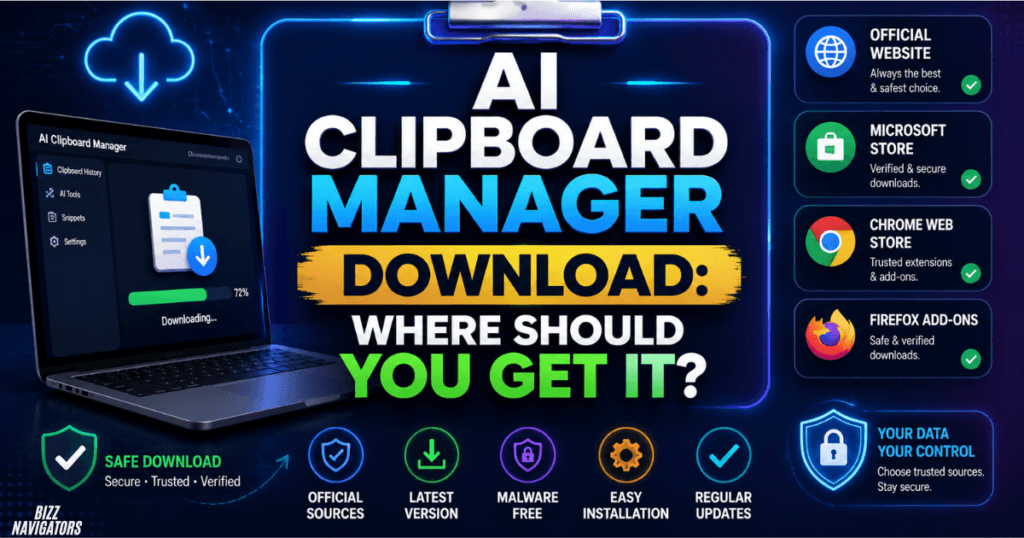
Download an AI clipboard manager from the developer’s official website or a trusted official app store. Avoid random download websites because clipboard applications can potentially access highly sensitive information copied from your computer or phone.
Before installing desktop software, verify the publisher and operating-system compatibility.
For UiPath Clipboard AI specifically, UiPath’s official documentation provides installation instructions and states that the Community version is installed manually. It also supports Chrome, Microsoft Edge, and Firefox through browser extensions.
Do not install modified or “cracked” versions simply to unlock premium AI features.
AI Clipboard Manager APK: Is It Safe?
An AI clipboard manager APK is safest when it comes directly from the legitimate developer or another trusted distribution channel. Avoid unknown APK websites, especially when they advertise modified, unlocked, or premium versions for free.
Clipboard applications can potentially handle:
Passwords
Authentication codes
Private messages
Financial information
Business documents
Customer information
That makes APK source verification especially important.
If an official Android version is available through Google Play, using the official store is generally preferable to downloading an APK from an unfamiliar website.
How Is an AI Clipboard Manager Different From a Normal Clipboard?
An AI clipboard manager does more than remember copied content. A normal clipboard stores copied information, while an AI clipboard manager can search, understand, transform, summarize, or extract information from that content.
| Feature | Normal Clipboard | AI Clipboard Manager |
| Recently copied item | Yes | Yes |
| Clipboard history | Limited | Usually broader |
| Search | Basic | Advanced |
| Summarization | No | Often available |
| Rewriting | No | Often available |
| Translation | No | Often available |
| Code explanation | No | Some tools |
| OCR | Usually no | Some tools |
| Semantic search | No | Some tools |
| Automation | Limited | Some tools |
You do not necessarily need AI if your only requirement is storing copied text.
For simple copy-and-paste tasks, a standard clipboard manager may be faster and easier.
UiPath Clipboard AI: What Does It Actually Do?
UiPath Clipboard AI uses AI to understand information being copied and helps transfer it into the correct destination fields. It is particularly useful for repetitive data-entry and document-processing workflows rather than simply maintaining a traditional clipboard history.
It can work with information from documents, spreadsheets, websites, and other sources.
UiPath describes support for use cases involving invoices, receipts, purchase orders, IDs, plain-text documents, Excel spreadsheets, and web or desktop forms.
Its Data Mapper can preview how extracted information will be placed into destination fields before the user completes the paste operation.
Who Should Use UiPath Clipboard AI?
UiPath Clipboard AI is most useful for people who repeatedly move structured or semi-structured information between applications.
It can help with:
Data entry
Invoice processing
Spreadsheet workflows
Form completion
Document extraction
Repetitive copy-and-paste tasks
If you only want searchable clipboard history, a dedicated clipboard manager may be a better fit.
ClipZ AI: What Is It?
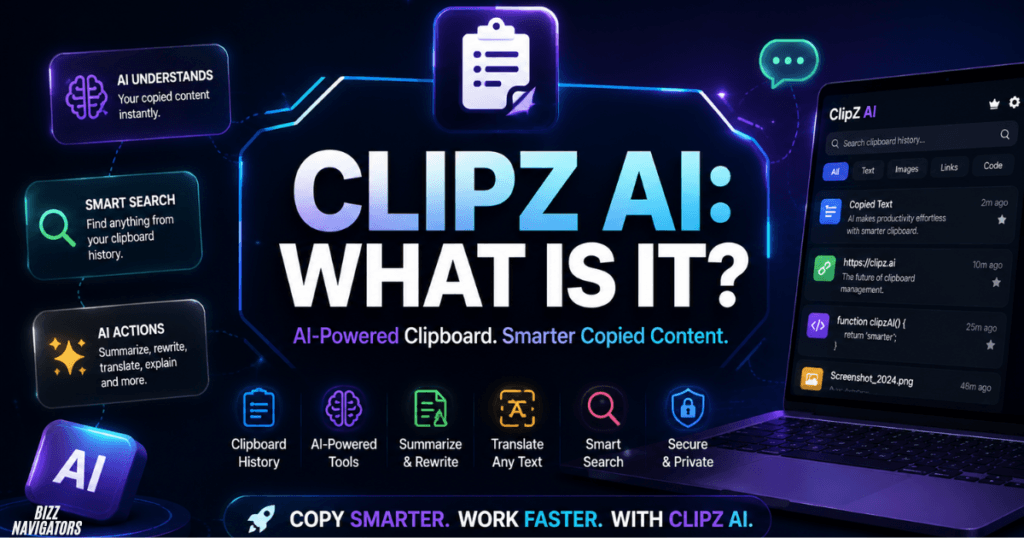
ClipZ AI is associated with the growing category of AI-powered clipboard tools, but users should verify the exact application, developer, platform, and current features before downloading because similarly named tools and projects can change over time.
When evaluating ClipZ AI or a similar application, focus on actual capabilities rather than the name.
Check whether it supports:
Clipboard history
AI actions
Search
OCR
Local AI
Semantic search
Cross-device synchronization
Privacy controls
The AI clipboard category is still developing, with newer projects experimenting with local processing, semantic search, summaries, translations, and other AI-powered clipboard functions.
How to Choose the Best AI Clipboard Manager
The best AI clipboard manager is the one that matches your actual workflow.
| Your requirement | Look for |
| Basic productivity | Fast clipboard history |
| Writing | Rewrite and grammar tools |
| Research | Searchable history and summaries |
| Programming | Code explanation and transformation |
| Data entry | OCR and intelligent field mapping |
| Screenshots | OCR support |
| Privacy | Local processing and exclusions |
| Multiple devices | Secure synchronization |
| Business workflows | Automation and document extraction |
Do not choose a tool simply because it offers the most AI features.
A lightweight application that performs your two most important tasks well can be more useful than a complicated application filled with features you never use.
Is an AI Clipboard Manager Safe?
An AI clipboard manager can be safe, but you should check where clipboard data is stored, whether it is sent to cloud AI services, how long it is retained, and whether sensitive applications can be excluded.
Clipboard history deserves special attention because users often copy information without thinking about its sensitivity.
Before using an AI clipboard tool, review its:
Privacy policy
Data storage method
AI processing method
Cloud synchronization
Permissions
Application exclusions
Data deletion controls
UiPath states that Clipboard AI collects usage and performance information for diagnostic and support purposes and says this information is not used to train machine-learning models. Its documentation also explains how screenshots are processed for extraction.
Never use clipboard history as a replacement for a secure password manager.
Frequently Asked Questions
Is there a free AI clipboard manager?
Yes. Some AI clipboard tools offer free versions with clipboard history and selected AI features. Others limit AI usage or advanced functions. Always check the current free-plan restrictions.
What is the best AI clipboard manager for Android?
There is no single best option for every Android user. Choose an app based on whether you need clipboard history, AI writing, search, translation, OCR, or other specific functions.
Can an AI clipboard manager summarize text?
Yes. AI-enabled clipboard tools can summarize copied text when the application supports that feature.
Can an AI clipboard manager translate text?
Yes. Some AI clipboard applications can translate copied text without requiring users to manually paste it into a separate translation service.
Is UiPath Clipboard AI a normal clipboard manager?
Not exactly. UiPath Clipboard AI focuses mainly on intelligent copy-and-paste automation, including extracting information and mapping it into destination fields.
Should I download an AI clipboard manager APK?
Only use an APK from a legitimate developer or trusted source. Avoid modified and cracked APKs because clipboard software can handle sensitive information.
Does an AI clipboard manager work offline?
Some applications support local processing or local AI models, while others require cloud-based AI services. Check the individual application’s technical documentation before assuming it works offline.
Final Verdict
An AI clipboard manager is useful when you need more than basic copy-and-paste. The right tool can save clipboard history, search old content, summarize text, rewrite sentences, translate information, extract data, or automate repetitive workflows.
For everyday users, prioritize speed, search, useful AI actions, and privacy. For business data-entry tasks, a specialized tool such as UiPath Clipboard AI can provide more advanced automation. We can say with confidence that you have received the information you needed and will continue to receive it in the future. Thank you so much for choosing bizznavigators.

At BizzNavigators, we answer the questions you’re actually searching for, honestly and clearly. We check our facts before we publish anything, and if we’re not sure about something, we tell you instead of guessing. Whatever you’re looking for- a tech fix, a business tip, or a simple how-to- we want to give you an answer you can trust.