
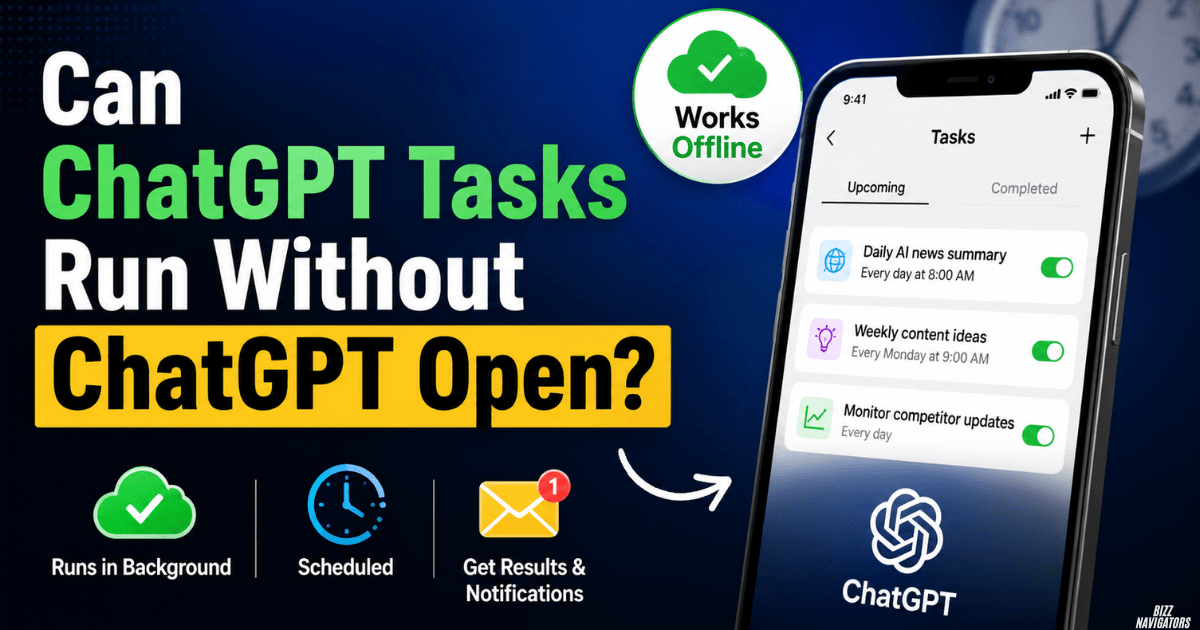
Can ChatGPT Tasks Run Without ChatGPT Open?
Yes. ChatGPT Tasks can run without the ChatGPT app or browser being open. Scheduled Tasks are designed to run on ChatGPT’s side, so you do not need to keep a browser tab open or stay online when the task is due. ChatGPT can then notify you when the task is complete. (OpenAI Help Center)
This makes ChatGPT Tasks different from Windows Task Scheduler, which usually depends on your computer being available to run local programs or scripts.
How Do ChatGPT Tasks Work?
You create a task, tell ChatGPT what to do, and set when it should run. The schedule can be one-time or recurring.
For example:
“Every weekday at 8 AM, give me a summary of the latest AI news.”
Once scheduled, ChatGPT handles the task at the selected time. You can later view, edit, pause, resume, or delete it from the Scheduled section.
You can also ask ChatGPT to check for changes and notify you when something important happens. These are called monitoring tasks.
Does ChatGPT Need to Stay Open?
No.
You can close the ChatGPT website or desktop app after creating the task. The task does not depend on an open ChatGPT window.
The key point is simple: the schedule is handled by ChatGPT, not by an active browser tab on your computer.
Does My Computer Need to Stay On?
No, a scheduled ChatGPT Task does not require your computer to remain powered on.
That is useful when you want an AI-generated report, reminder, or update at a specific time while you are away from your computer.
What Can ChatGPT Tasks Do?
ChatGPT Tasks are mainly designed for scheduled and recurring AI work.
Common examples include:
- Daily news summaries
- Recurring reminders
- Scheduled briefings
- Periodic checks for changes
- Repeated information requests
- Notifications when monitored information changes
OpenAI also supports monitoring tasks that periodically check for changes and notify you only when there is something worth reporting.
This means you can use Tasks for more than simple calendar-style reminders.
What Are the Limitations of ChatGPT Tasks?
ChatGPT Tasks are useful, but they are not unlimited automation tools.
OpenAI currently says Tasks cannot run more than once per hour. Active-task limits also depend on your plan. Go allows up to 3 active tasks, Plus up to 5, Business and Edu up to 10, and Pro and Enterprise up to 15.
Tasks also do not support every ChatGPT feature. Voice chats and GPTs are currently not supported with Tasks.
Another important limitation is inactivity. Unattended tasks may automatically pause after a period of inactivity.
Can ChatGPT Run Automated Tasks Without You?
Yes. That is one of the main reasons Scheduled Tasks exist.
After you create a task, ChatGPT can perform the scheduled work without you manually opening the conversation at that time. You can receive a push notification, email, or both depending on your notification settings.
However, automation has limits.
A task may need additional approval when it uses certain connected apps or actions. Permissions also depend on your account or workspace settings.
So ChatGPT can work automatically, but it does not mean every action can happen without user approval.
ChatGPT Tasks vs Windows Task Scheduler
These tools may sound similar, but they work differently.
| Feature | ChatGPT Tasks | Windows Task Scheduler |
| Runs AI prompts | Yes | No |
| Works while your PC is off | Yes | Generally no |
| Runs local scripts | No | Yes |
| Launches Windows programs | No | Yes |
| Sends AI-generated updates | Yes | No |
| Best for | AI work and reminders | Windows automation |
Use ChatGPT Tasks for AI-based scheduled work. Use Windows Task Scheduler when you need Windows to launch a program, script, or system process.
Will Windows Task Scheduler Run When the Computer Is Off?
Generally, no.
Windows Task Scheduler needs Windows to be running to execute a local task. Some configurations can wake a sleeping computer, but that is different from running a task while the computer is completely powered off.
This is where cloud-based scheduling has an advantage.
A ChatGPT Task does not depend on your PC being available because the scheduled work is handled by ChatGPT.
Can ChatGPT Tasks Work With Gmail and Other Apps?
Yes, when supported apps are available for your account or workspace.
OpenAI says Tasks can work with apps such as Gmail when the app is available and connected. What ChatGPT can do depends on the permissions granted to that app. Business and Enterprise workspaces may also have administrator-controlled restrictions.
For example, a supported task could use information from a connected app and provide an update according to your schedule.
But connected-app access should be treated separately from basic scheduled prompts. Some actions may require approval before ChatGPT can complete them.
What Happens If You Delete a Task’s Chat?
The task will automatically pause if you delete the chat associated with it.
You can also manage the task separately from the Scheduled page. From there, you can check upcoming runs and pause, resume, edit, or delete tasks.
So if a scheduled task suddenly stops, check whether its associated conversation was deleted.
How Do You Manage ChatGPT Tasks?
You can manage scheduled tasks from ChatGPT’s Scheduled page.
Depending on your ChatGPT interface, you can:
- Open the Scheduled section.
- Select the task you want to manage.
- View its next run.
- Edit the instructions or schedule.
- Pause or resume it.
- Delete it if you no longer need it.
OpenAI has also added broader scheduling options, such as morning, afternoon, or evening windows.
Are ChatGPT Tasks Safe to Use?
For normal reminders, summaries, and scheduled information requests, Tasks are a convenient way to automate recurring work.
The main thing to watch is connected-app access.
Only connect the apps and permissions that a task actually needs. If a task uses Gmail or another connected service, its available actions depend on the permissions granted to ChatGPT.
Avoid placing passwords, API keys, or other sensitive credentials directly into task instructions.
Can ChatGPT Tasks Replace Task Scheduler?
Not completely.
ChatGPT Tasks are better for AI-generated work, recurring information, reminders, briefings, and monitoring.
Windows Task Scheduler is better for launching local programs, running scripts, and automating Windows processes.
They solve different problems, so one is not a direct replacement for the other.
Frequently Asked Questions
Can ChatGPT Tasks run when my computer is off?
Yes. ChatGPT Tasks do not require your computer to remain powered on because scheduled work is handled through ChatGPT.
Can ChatGPT Tasks run without the app open?
Yes. You can close the ChatGPT app or browser after scheduling a task.
How often can ChatGPT Tasks run?
No more than once per hour. Your plan also determines how many active tasks you can have.
What can ChatGPT Tasks not do?
Tasks currently do not support voice chats or GPTs. They are also not designed to replace local computer automation tools.
Can a ChatGPT Task stop automatically?
Yes. Unattended tasks may pause after inactivity. A task can also pause if its associated chat is deleted.
Final Answer
Yes, ChatGPT Tasks can run without ChatGPT being open. You can close the browser, app, and even shut down your computer after scheduling an eligible task. ChatGPT handles the scheduled work and can notify you when it finishes.
The important distinction is that ChatGPT Tasks are designed for cloud-based AI scheduling, not general Windows automation. For AI briefings, recurring prompts, reminders, and monitoring, they can be very useful. For local scripts and Windows programs, Task Scheduler remains the better option.

At BizzNavigators, we answer the questions you’re actually searching for, honestly and clearly. We check our facts before we publish anything, and if we’re not sure about something, we tell you instead of guessing. Whatever you’re looking for- a tech fix, a business tip, or a simple how-to- we want to give you an answer you can trust.
2 thoughts on “Can ChatGPT Tasks Run Without ChatGPT Open? All Topics Clear”