
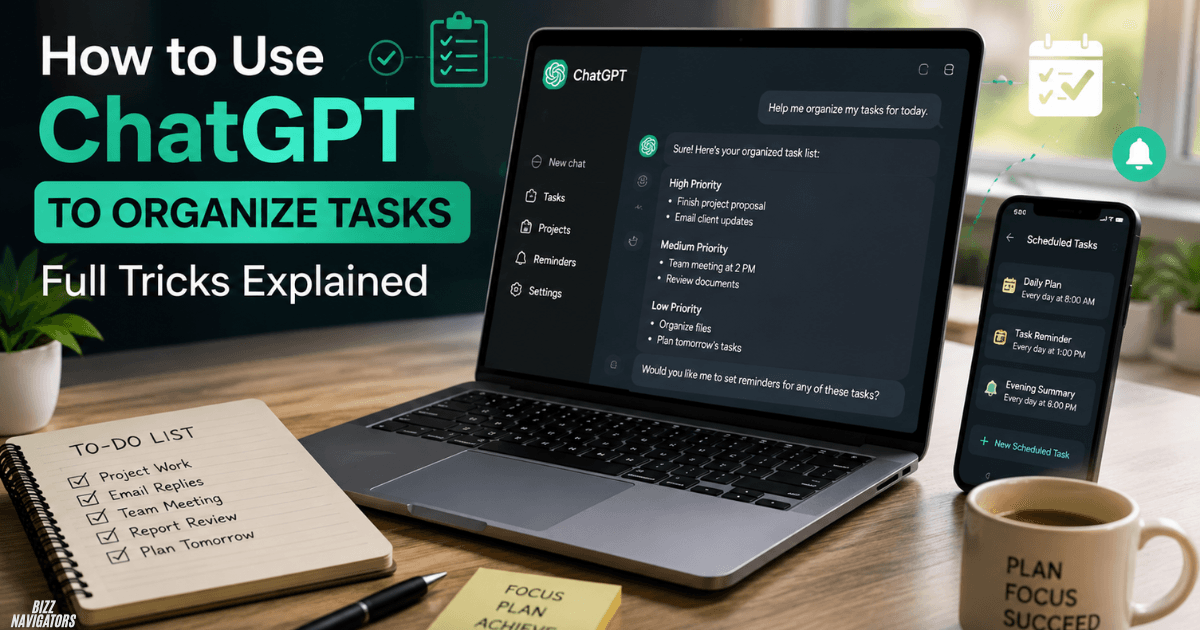
How to Use ChatGPT to Organize Tasks
You can use ChatGPT to organize tasks by adding your to-do list, asking it to group and prioritize your work, and turning large projects into smaller steps. You can also use ChatGPT Scheduled Tasks for recurring reminders, daily updates, and supported monitoring. (OpenAI Help Center)
The easiest approach is to give ChatGPT your tasks and explain your deadlines, available time, and priorities.
For example:
“Here are my tasks for today. Sort them by urgency, estimate the time needed, and create a realistic schedule.”
ChatGPT can then turn an unorganized list into a clear action plan.
How Can I Use ChatGPT for Task Management?
Use ChatGPT to capture, organize, prioritize, and break down tasks.
You do not need a complicated prompt. Start with your current task list and tell ChatGPT what matters most.
Try this prompt:
“Organize these tasks by urgent, important, and low priority. Put deadline-sensitive tasks first and create a simple plan for today.”
You can also ask ChatGPT to:
- Group similar tasks
- Identify urgent work
- Break projects into smaller steps
- Create daily schedules
- Estimate task duration
- Find task dependencies
- Create checklists
- Review unfinished work
This makes ChatGPT useful when your task list is messy or you are unsure where to start.
How Can I Use ChatGPT to Organize My Day?
Give ChatGPT your tasks, fixed commitments, available hours, and deadlines.
For example:
“I have eight hours today. I need to write two articles, research keywords, answer emails, attend a 3 PM meeting, and spend one hour on link building. Create a realistic schedule with breaks.”
ChatGPT can place fixed commitments first and organize the remaining work around them.
Do not schedule every minute. Leave some free time for unexpected work.
A useful daily plan should answer three questions:
- What should I do first?
- What can wait?
- What must be finished today?
That keeps the plan practical instead of overwhelming.
How Do I Prioritize Tasks in ChatGPT?
Tell ChatGPT which factors should determine priority.
Useful factors include:
- Deadline
- Business impact
- Urgency
- Effort required
- Dependencies
- Consequences of delay
For example:
“Rank these tasks by deadline, business impact, and urgency. Show my top three priorities and explain each in one sentence.”
This is better than simply asking ChatGPT to “prioritize my tasks” because you are giving it clear decision criteria.
You can also ask ChatGPT to separate tasks into Do Now, Schedule, Delegate, and Remove.
How Can ChatGPT Break a Large Task Into Smaller Steps?
Give ChatGPT the final goal and ask it to identify the actions needed to reach it.
For example:
“I want to launch a new website. Break the project into small tasks for planning, keyword research, content, design, technical SEO, analytics, testing, and launch.”
ChatGPT can turn the broad goal into a step-by-step workflow.
This works well for:
- Website projects
- Content campaigns
- Research
- Study plans
- Marketing campaigns
- Product launches
- Business projects
If a task still feels too large, ask:
“Break each step into actions that can be completed in 30–60 minutes.”
That usually produces a much more usable task list.
Can ChatGPT Automate Tasks?
Yes. ChatGPT Scheduled Tasks can run one-time or recurring tasks, and ChatGPT can also monitor for changes and notify you when there is a meaningful update.
For example:
“Every weekday morning, give me a short list of the three tasks I should focus on today.”
Or:
“Remind me every Friday to review my unfinished tasks.”
Eligible users can manage these tasks from the Scheduled area in ChatGPT. Tasks can be created, edited, paused, resumed, or deleted.
The exact features and limits depend on your ChatGPT plan, account, and workspace.
How Do I Get ChatGPT to Do Daily Tasks?
Tell ChatGPT what to do, when to do it, and what the result should look like.
For example:
“Every Monday at 9 AM, review my weekly priorities and give me the three most important tasks in a numbered list.”
You can use recurring tasks for:
- Daily briefings
- Weekly planning
- Study reminders
- Content ideas
- Research monitoring
- Project reviews
- Meeting preparation
- Habit reminders
A specific instruction usually works better than a general request.
Instead of:
“Help me with my work every day.”
Use:
“Every weekday morning, give me my five highest-priority work items and keep the response under 100 words.”
Can ChatGPT Monitor Tasks Automatically?
Yes, supported monitoring tasks can periodically check for changes and notify you when something important happens. OpenAI describes these as monitoring tasks, which can remember previous runs and stop when a defined end condition is reached.
For example:
“Monitor this topic and notify me only when there is a significant update.”
This can be useful when you do not want to repeatedly check something yourself.
For eligible Work users, ChatGPT can also create event-triggered tasks connected to supported apps such as Gmail, Slack, and GitHub.
What Are Good ChatGPT Task Examples?
Here are practical examples you can copy and customize.
Daily planning
“Every weekday morning, help me identify my top three priorities for the day.”
Weekly review
“Every Friday afternoon, remind me to review unfinished tasks and prepare next week’s priorities.”
Content planning
“Every Monday, give me five content ideas based on my current topics and audience.”
Study
“Every evening, remind me to review today’s notes and give me three questions to test my understanding.”
Research monitoring
“Check for important updates about this topic and notify me only when there is something worth reporting.”
The more specific the desired result, the more useful the task becomes.
How Do I Write Better ChatGPT Task Prompts?
A good task prompt normally includes four things:
Action + timing + context + output
For example:
“Every Monday morning, review my current SEO goals, identify my three highest-priority tasks, and present them as a short numbered list.”
You can make it even better by adding a condition:
“Notify me only if there is a major change.”
This reduces unnecessary notifications and keeps automated tasks focused.
Can ChatGPT Replace a To-Do List App?
Not completely.
ChatGPT is particularly useful for thinking about your tasks. It can organize information, suggest priorities, break down projects, and create plans.
A dedicated task manager is usually better for maintaining a structured database of tasks, deadlines, statuses, projects, and long-term records.
For many users, the best approach is to use both:
ChatGPT → planning and organization
Task manager → long-term tracking
This avoids forcing one tool to do everything.
What Are the Limits of ChatGPT Tasks?
ChatGPT Tasks have account, plan, model, and feature limitations.
OpenAI currently lists active-task limits by plan and says Free users can schedule a one-time task or a recurring task no more than once per day. Eligible paid plans support more frequent scheduling. Tasks also do not currently support features such as voice chats and GPTs.
Connected-app tasks have additional permission requirements.
For example, event-triggered tasks using Gmail, Slack, or GitHub require eligible plans and connected apps. Workspace administrators may also control which apps and actions are available.
So, if a feature does not appear in your account, check your plan, app connections, and workspace settings.
Best Prompts to Organize Tasks With ChatGPT
Here are five simple prompts you can reuse.
Prioritize tasks
“Prioritize these tasks by urgency, deadline, and impact. Show me the top three first.”
Plan the day
“Create a realistic schedule for these tasks using my available working hours. Leave time for unexpected work.”
Break down a project
“Break this project into small actionable steps and put them in the correct order.”
Review unfinished work
“Review my unfinished tasks and tell me which ones I should complete, reschedule, delegate, or remove.”
Create a recurring task
“Create a recurring task every Monday morning to review my weekly priorities and give me a short action plan.”
Final Answer
The simplest way to use ChatGPT to organize tasks is to dump your tasks into a chat, give ChatGPT your deadlines and available time, then ask it to prioritize and structure the work.
For recurring reminders, daily briefings, monitoring, and supported automated workflows, ChatGPT Scheduled Tasks can take the process further.
The key is to keep your prompts specific. Tell ChatGPT what to do, when to do it, and what the final result should look like.

At BizzNavigators, we answer the questions you’re actually searching for, honestly and clearly. We check our facts before we publish anything, and if we’re not sure about something, we tell you instead of guessing. Whatever you’re looking for- a tech fix, a business tip, or a simple how-to- we want to give you an answer you can trust.
1 thought on “How to Use ChatGPT to Organize Tasks: Full Tricks Explained”